

The differences between the iPad and iPad Pro define two distinct user experiences, one designed for everyday use, and one engineered for high-performance workflows. Apple positions the standard iPad as an affordable, versatile tablet for browsing, streaming, note-taking, and light productivity. The iPad Pro, on the other hand, delivers professional-grade features including advanced displays, high-end processors, powerful cameras, superior accessory support, and workstation-level performance.
This guide explains all major differences between the iPad and iPad Pro with professional clarity – covering design, performance, displays, accessories, cameras, battery life, and intended users, just as leading tech publications structure their comparison reviews.
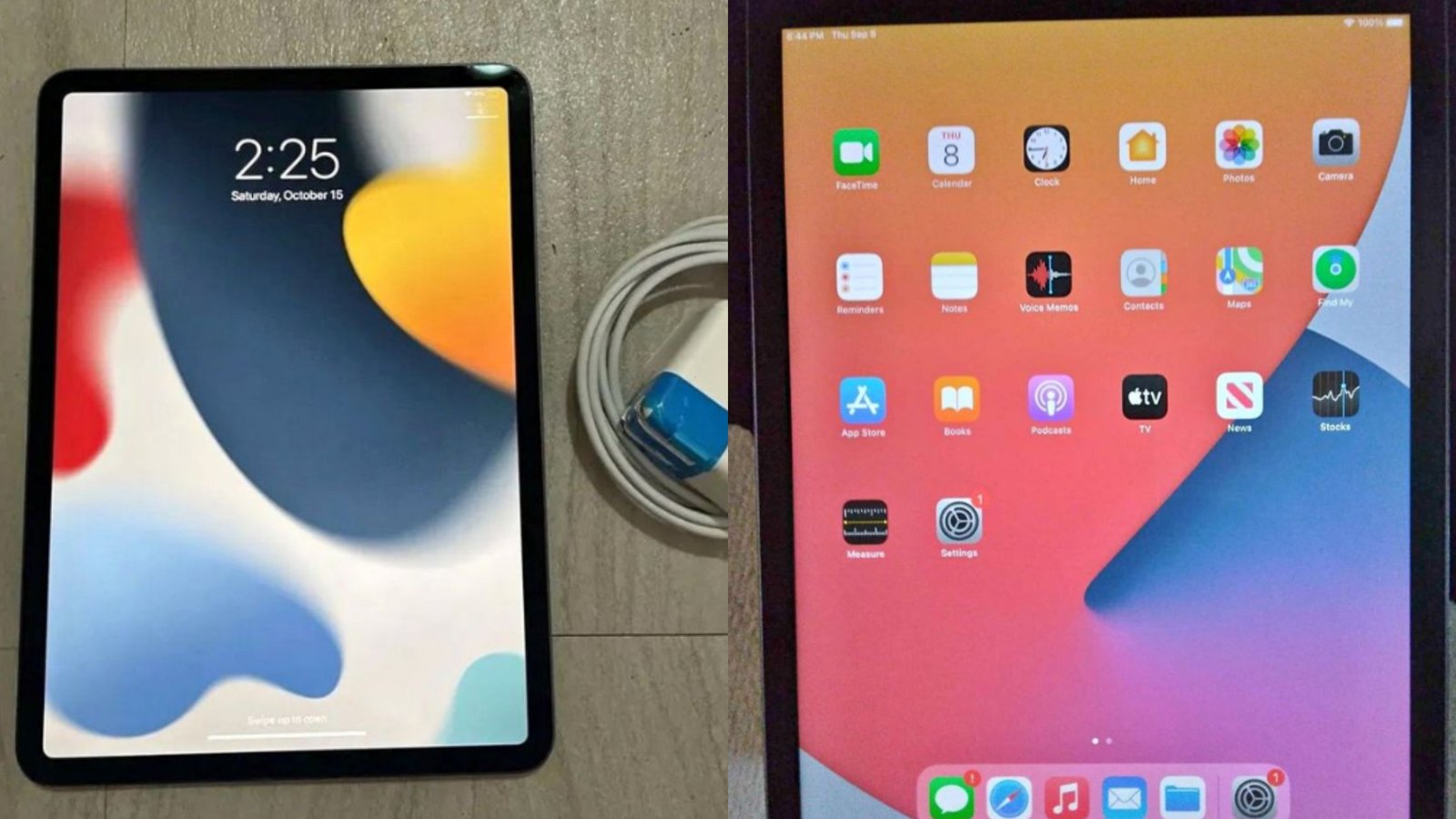
Table of Contents
iPad vs. iPad Pro: Differences Between the iPad and iPad Pro
The iPad focuses on affordability and simplicity and the iPad Pro focuses on speed, screen quality, precision input, and professional workflows. Choosing between them depends on performance requirements, budget, and the apps you use daily.
1. Design and Build Quality
iPad
- Uses a simpler aluminum design
- Slightly thicker body
- Available in fewer color options
- Supports only the standard Magic Keyboard Folio
- Has larger bezels around the display
The design targets everyday reliability.
iPad Pro
- Uses a premium aerospace-grade aluminum or recycled aluminum finish
- Slimmer and lighter
- Uniform, thin bezels
- Supports Magic Keyboard with a floating cantilever hinge
- More modern overall aesthetic
The iPad Pro feels more like a laptop replacement in design and handling.
2. Display Technology
The display difference is one of the biggest distinctions between both models.

iPad
- Uses a standard Liquid Retina LCD
- Lower brightness
- Standard 60Hz refresh rate
- No ProMotion
- Good for casual use, reading, and streaming
This display is sharp, but it is built for general tasks—not high-end creative work.
iPad Pro
- Mini-LED Liquid Retina XDR
- 120Hz ProMotion display (all models)
- Higher color accuracy (P3)
- Higher peak brightness for HDR content
The Pro’s display delivers smoother scrolling, more accurate colors, and professional-grade brightness. Artists, designers, and video editors gain the biggest benefit from this upgrade.
3. Performance and Chipset Differences
iPad
- Uses Apple’s A-series chips (A13/A14/A15 depending on model year)
- Built for everyday performance
- Handles browsing, media, note-taking, light gaming, and simple editing smoothly
iPad Pro
- Uses Apple’s M-series processors (M4, M5)
- Delivers laptop-level speed
- Handles 3D modeling, 4K video editing, advanced drawing apps, UI design tools, and heavy multitasking
The iPad Pro is dramatically faster and remains future-proof longer. Professionals who rely on demanding apps notice the difference immediately.
4. Storage Options
iPad
- Lower storage options
- Typically ranges from 64GB to 256GB
- No high-capacity variants
iPad Pro
- Storage ranges from 128GB up to 2TB
- Larger storage options support advanced workflows like video projects, large drawing files, and RAW image libraries
The iPad Pro is built for professionals working with heavy file sizes.
5. Apple Pencil Compatibility
iPad
- Supports the USB-C Apple Pencil
- Does not support Apple Pencil 2’s magnetic charging
- Features fewer stylus gestures
- Good for casual drawing or handwritten notes
iPad Pro
- Supports Apple Pencil 2, the most advanced stylus version
- Magnetic wireless charging
- Double-tap gesture support
- Pixel-perfect precision
- Best latency when combined with the 120Hz display
Artists experience significantly smoother drawing performance on the iPad Pro.
6. Keyboard and Accessory Support
iPad
- Works with Magic Keyboard Folio
- Good for typing but offers limited trackpad features
- Does not support the floating Magic Keyboard
iPad Pro
- Supports the premium Magic Keyboard
- Laptop-like typing experience
- Built-in trackpad
- Backlit keys
- Floating hinge design for adjustable viewing
- Designs apps like Figma, Procreate, and Photoshop feel more desktop-like
The Pro’s accessory ecosystem enhances productivity significantly.
7. Camera System and Sensors
iPad
- Simple rear camera
- One front camera for video calls
- No LiDAR scanner
- Sufficient for photos, scanning documents, and FaceTime calls
iPad Pro
- Dual-camera system with wide + ultra-wide lenses
- TrueDepth front camera with Face ID
- LiDAR scanner for enhanced AR and accurate depth sensing
- Studio-quality mics
- Better speakers and audio separation
The iPad Pro excels at content creation, AR applications, and professional video calls.
8. Audio Quality and Speakers
iPad
- Stereo speakers
- Good for movies and music
- Standard volume range
iPad Pro
- Four-speaker audio
- Spatial Audio support
- Louder, clearer, richer sound
The difference becomes clear when watching movies or editing audio.
9. Battery Life and Charging
iPad
- Long battery life suitable for everyday tasks
- Standard charging speeds
- Designed for casual all-day use
iPad Pro
- Similar general battery life but supports faster performance
- Faster USB-C or Thunderbolt speeds on some models
- Better for multitasking, accessory use, and external device connections
10. Price Difference
iPad
- Most affordable entry into Apple’s tablet ecosystem
- Best for students, families, and casual users
iPad Pro
- More expensive due to advanced hardware
- Designed for professionals who rely on heavy-duty performance
The price difference reflects the dramatic jump in capabilities.
Which One Should You Choose?
Choose the iPad if you want:
- A budget-friendly tablet
- A device for browsing, streaming, note-taking, and schoolwork
- Light drawing and productivity
- A simple, reliable Apple experience
Choose the iPad Pro if you need:
- Professional-level performance
- The best display Apple offers
- Apple Pencil 2 for advanced drawing
- Video editing, 3D work, or design workloads
- Thunderbolt speed, LiDAR, and better speakers
- A true laptop replacement
Here is a detailed guide to help you decide whether to buy an iPad or iPad Pro.
Conclusion
The differences between the iPad and iPad Pro clarify two different categories of users: casual consumers and creative or professional power users. The standard iPad delivers excellent value for everyday tasks, while the iPad Pro pushes the limits with advanced display technology, M-series power, Apple Pencil 2 support, premium accessory options, and professional-grade cameras and audio.
Understanding these differences helps buyers choose the right tablet for productivity, creativity, or entertainment based on real needs rather than price alone.

Ben Scott is a prominent technology journalist and reviewer, specializing in tablet devices. He is known for his comprehensive and unbiased reviews of tablets from various manufacturers.
With a deep understanding of tablet technology, including hardware components, operating systems, and software applications, Scott provides clear and informative reviews accessible to readers of all levels of technical expertise.
His attention to detail and in-depth analysis have earned him a loyal following of readers.