
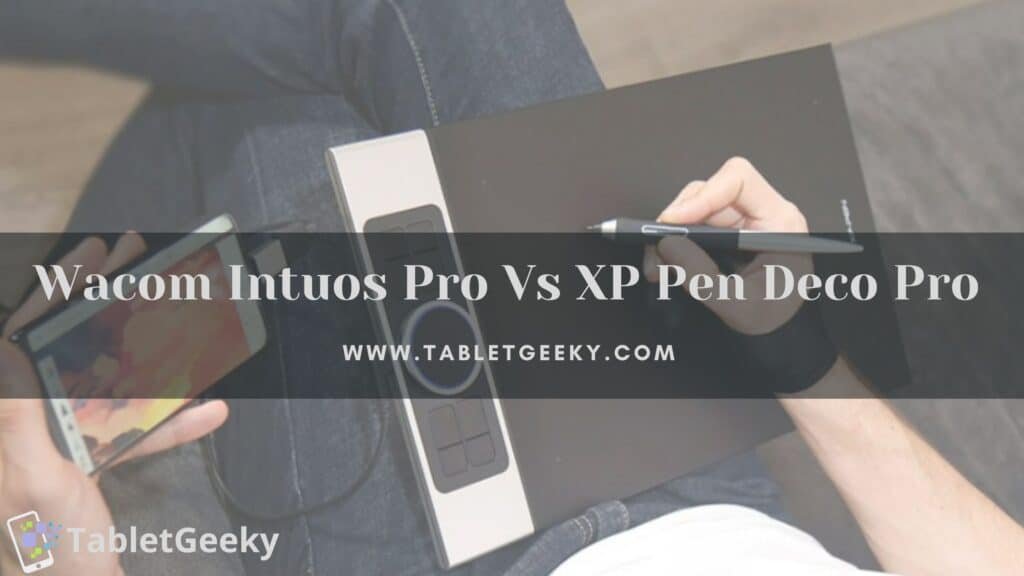
The Wacom Intuos Pro vs XP-Pen Deco Pro debate highlights two of the most popular professional drawing tablets for artists, designers, illustrators, and digital creators. Both tablets deliver high-precision pen performance, customizable controls, and reliable build quality, yet they differ significantly in price, feel, software integration, and long-term workflow advantages.
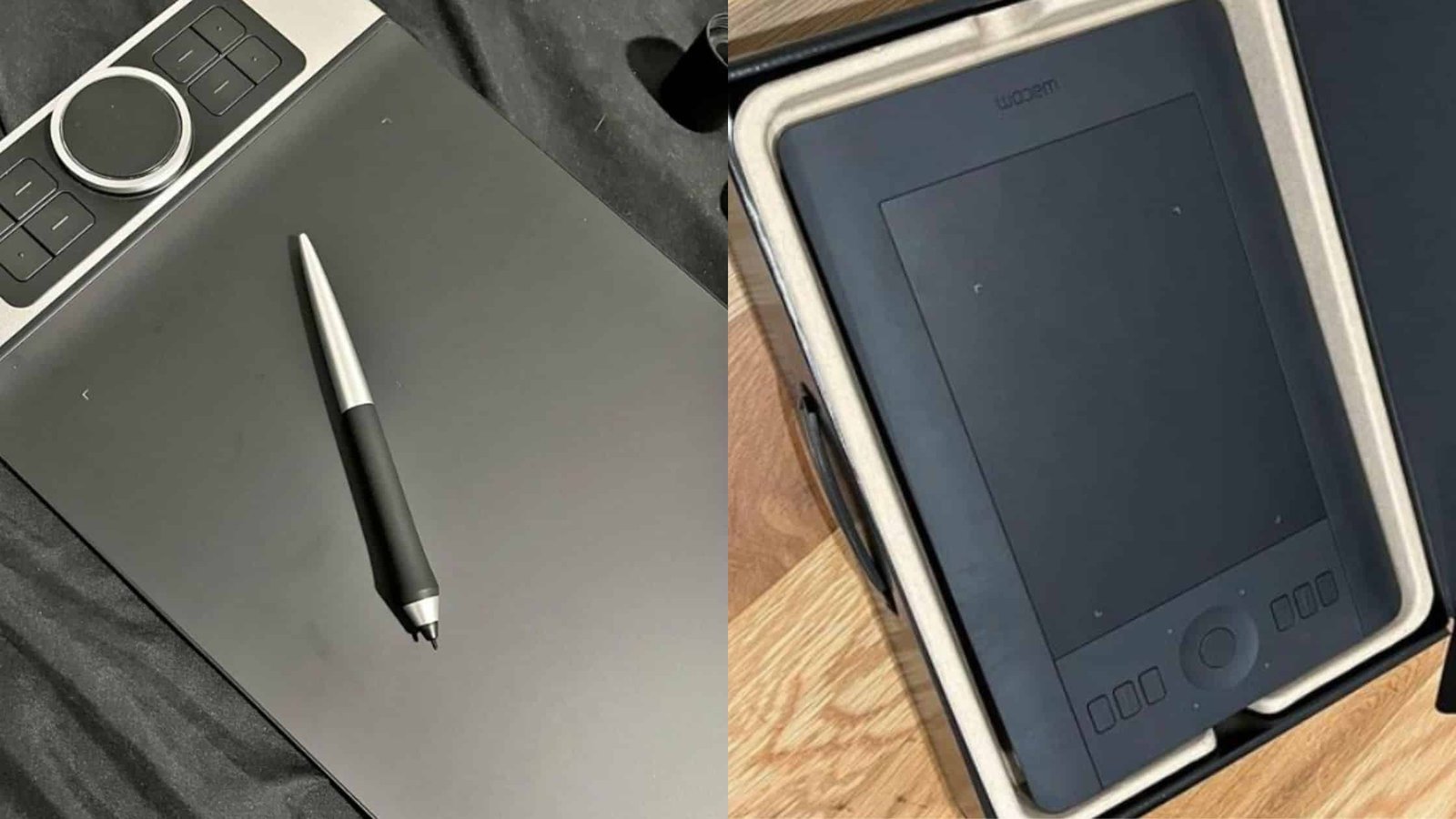
This in-depth guide breaks down every major difference between the Wacom Intuos Pro and the XP-Pen Deco Pro, explaining performance, pen technology, build quality, compatibility, and suitability for different creative styles.
Table of Contents
Overview: Wacom Intuos Pro vs XP-Pen Deco Pro
The Wacom Intuos Pro sits at the top of the market as a premium pen tablet known for its durability, industry-standard feel, and advanced pen technology. Wacom tablets are widely used in professional studios, film production, animation, and design environments because of their accuracy, tactile surface, and long-term reliability. Here is the list of best and cheap Wacom tablets.
The XP-Pen Deco Pro, however, offers exceptional value at a lower price point. It provides pro-level features like 8192 pressure levels, tilt recognition, USB-C connectivity, and an aluminum build. It is one of the strongest mid-range alternatives to Wacom, especially for artists seeking affordability without sacrificing core functionality.
What You Get in the Box
Wacom Intuos Pro – What’s in the Box
When you purchase a Wacom Intuos Pro, you typically receive:
- Wacom Intuos Pro Tablet
- Wacom Pro Pen 2
- Wacom Pen Stand with 10 replacement nibs (6 standard, 4 felt)
- USB cable (USB-C to USB-A)
- Extra texture sheets (only included in some bundles; otherwise sold separately)
- Quick start guide
- Wireless Bluetooth built-in (no external dongle required)
The inclusion of multiple nibs, a premium pen stand, and built-in wireless functionality highlights Wacom’s focus on studio-grade workflows.
XP-Pen Deco Pro – What’s in the Box
XP-Pen typically includes more accessories to add value:
- XP-Pen Deco Pro Tablet
- PA1 Battery-free Stylus
- Pen Case
- 8 Replacement nibs
- USB-C to USB-C cable
- USB-C to USB-A cable
- USB-A to Micro USB adapter (varies by model)
- Glove (Artist glove)
- Cleaning cloth
- Quick start documentation
XP-Pen bundles more items than Wacom, making it appealing for first-time tablet buyers who want a complete kit.
Design and Build Quality
Wacom Intuos Pro
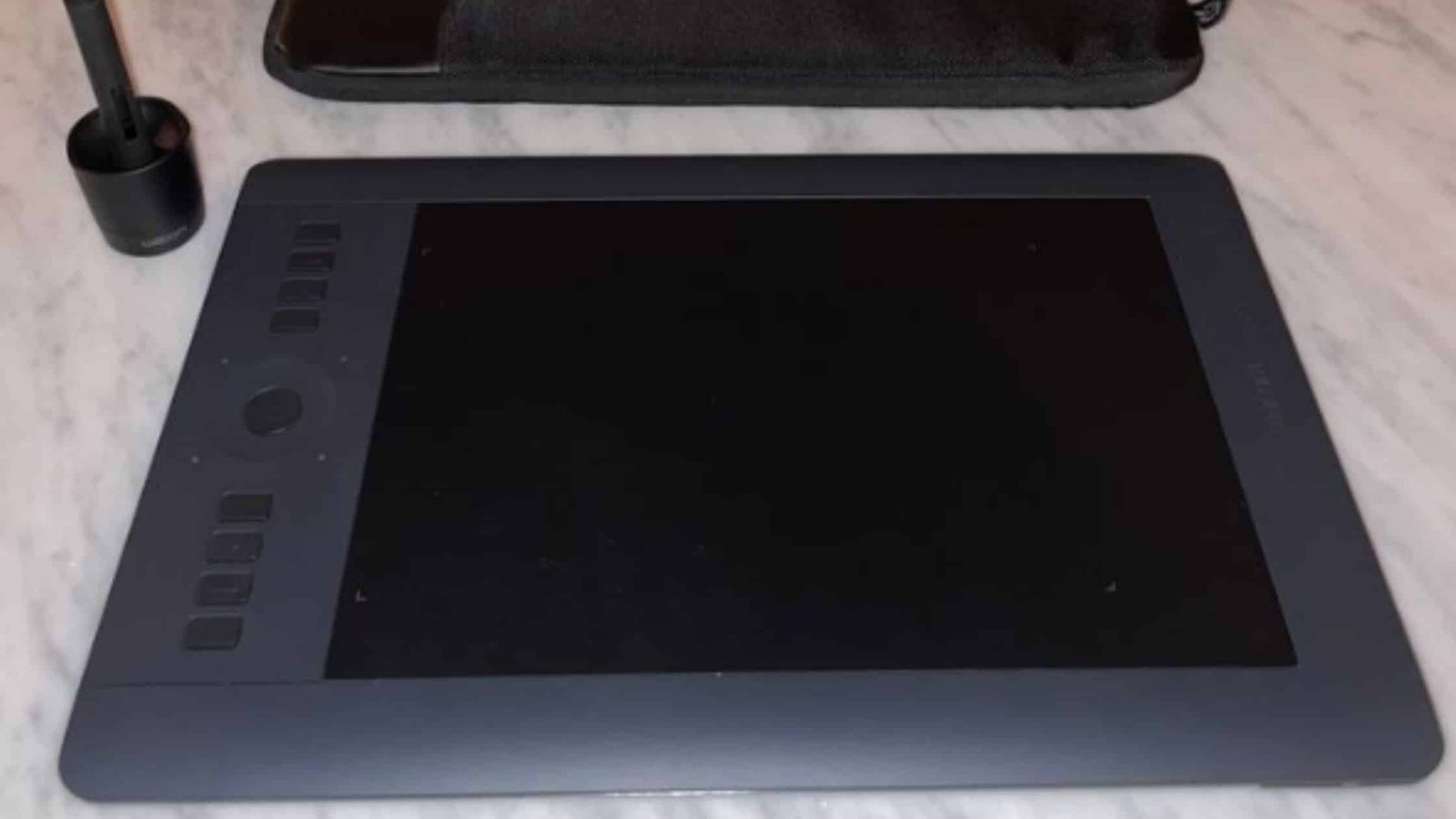
The Wacom Intuos Pro features a premium magnesium-alloy and resin build with a textured drawing surface designed to mimic paper. The tablet feels rigid, finely engineered, and remarkably durable. The slim form factor and subtle matte finish give it a studio-grade aesthetic. Wacom’s build quality is widely considered the best in the drawing tablet industry, offering years of reliable use.
XP-Pen Deco Pro
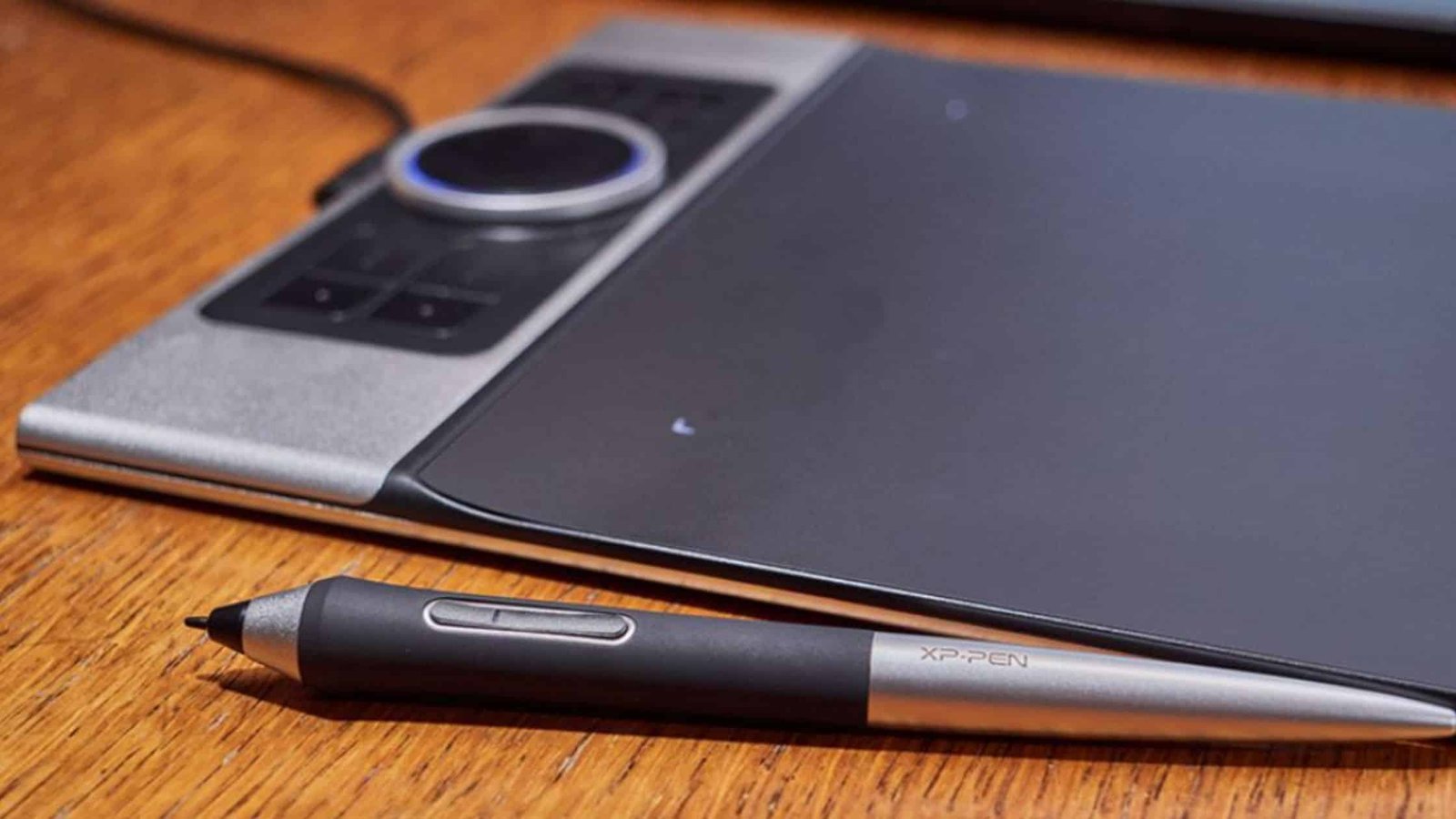
The XP-Pen Deco Pro uses an aluminum and plastic hybrid chassis, providing a sturdy yet lighter feel compared to Wacom. It includes a dual-wheel control interface that blends mechanical and touch-sensitive input. The design looks modern, clean, and minimal. Though not as premium-feeling as Wacom, the Deco Pro impresses in its price category.
Pen Performance and Technology
Wacom Pro Pen 2
Wacom’s Pro Pen 2 remains one of the most accurate styluses available.
It features:
- 8192 pressure levels
- ±60° tilt recognition
- No batteries (EMR technology)
- Extremely low lag
- Superior pressure curve consistency
The Pro Pen 2 provides a natural pen-to-paper feel thanks to Wacom’s textured surface and unmatched sensitivity. Professional artists often cite it as the absolute benchmark for drawing performance.
PA1 Battery-free Stylus
The XP-Pen Deco Pro’s pen rivals Wacom in specs:
- 8192 pressure levels
- Tilt support
- Battery-free EMR technology
- Smooth and responsive strokes
While accurate and comfortable, the pressure curve is slightly less refined than Wacom’s. XP-Pen pens produce excellent results, especially for digital illustration or graphic design, but elite animators and professional studios often prefer Wacom’s subtle pressure consistency.
Drawing Experience and Surface Feel
Wacom Intuos Pro
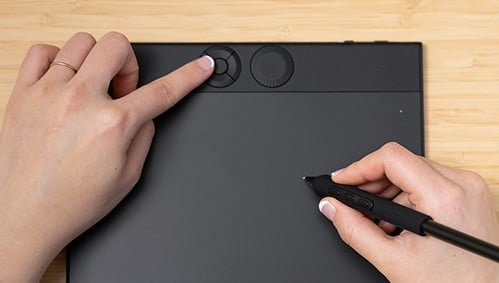
The surface texture offers a tactile, paper-like resistance that enhances control for sketching, shading, and detailed linework. The nib wear feels natural, and the surface is optimized for precision. Wacom’s long history in pen technology shows clearly in the fluidity of strokes and feedback.
XP-Pen Deco Pro
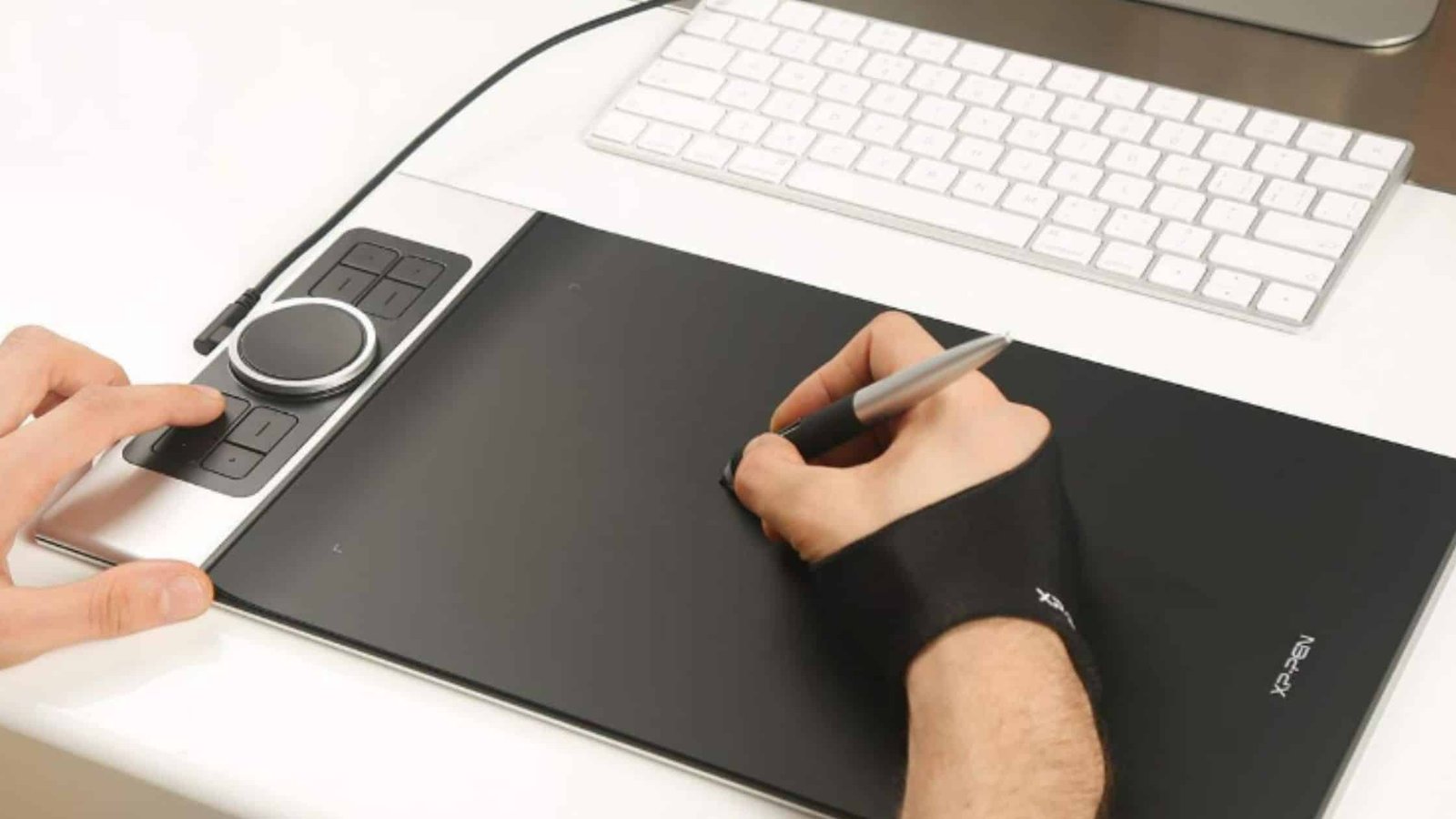
The Deco Pro’s drawing surface is smoother and produces lighter resistance. This makes it great for flowing strokes and inking but slightly less tactile than Wacom. Users who prefer a “glass-smooth” feel may even prefer Deco Pro, though those wanting paper-like friction often choose Intuos Pro.
Shortcut Buttons and Productivity Tools
Wacom Intuos Pro
- 8 customizable ExpressKeys
- Multi-touch support
- Touch Ring for zoom, scroll, and rotation
The touch gestures allow intuitive navigation similar to a trackpad. The ExpressKeys integrate well with Adobe, Affinity, Clip Studio Paint, Blender, and 3D applications.
XP-Pen Deco Pro
- 8 customizable keys
- Dual Control Wheel: Physical + Touch Ring hybrid
- Very efficient for zooming, brush resizing, rotating
The dual-wheel interface offers impressive versatility and often surprises users with its precision. Many artists find XP-Pen’s wheel system more flexible than Wacom’s Touch Ring.
Drivers and Software Compatibility
Wacom Intuos Pro
Wacom drivers are highly refined and support:
- macOS
- Windows
- Linux (limited but improving)
They integrate deeply with professional software such as Adobe Photoshop, Illustrator, Premiere, After Effects, Blender, Maya, ZBrush, and Toon Boom Harmony. Wacom’s driver ecosystem is considered industry standard, though occasional macOS conflicts occur after OS updates.
XP-Pen Deco Pro
XP-Pen drivers have improved significantly and support:
- Windows
- macOS
- Some Linux distributions
- Android (on supported models)
While XP-Pen drivers work well for most users, they may occasionally require reinstalling after major OS updates. Still, compatibility across drawing programs is strong.
Size Options
Intuos Pro
- Small
- Medium (most popular)
- Large
The medium and large sizes offer spacious active areas ideal for professional work.
Deco Pro
- Small
- Medium
Both offer generous workspaces, with Deco Pro Medium being a great option for digital painting and comic art.
Connectivity and Mobile Support
Wacom Intuos Pro
- Wireless Bluetooth is included, offering stable connectivity without cables.
- USB-C to USB-A wired mode is also available.
XP-Pen Deco Pro
- Supports USB-C, USB-A, and some Android connections.
- Bluetooth is available only on select Deco Pro models.
Price and Value Comparison
Wacom Intuos Pro
Wacom charges a premium price due to:
- Industry-standard reliability
- Superior pen precision
- Professional build quality
For studios, production environments, and long-term professional use, the price is justified.
XP-Pen Deco Pro
Deco Pro delivers exceptional value at a fraction of the cost.
For beginners, students, and budget-conscious professionals, it provides pro-level features without the Wacom price tag.
Which Tablet Should You Choose?
Choose Wacom Intuos Pro if you want:
- The most accurate pen performance in the industry
- A premium build for long-term professional use
- Best-in-class driver integration
- A textured drawing surface with natural resistance
- Reliable performance for animation, VFX, illustration, and design
Choose XP-Pen Deco Pro if you want:
- A high-performance tablet at a significantly lower price
- A versatile dual-wheel controller
- Strong compatibility across Windows, macOS, and Android
- Excellent drawing performance for illustration and design
- A budget-friendly upgrade from entry-level tablets
Wacom Intuos Pro vs XP-Pen Deco Pro: Comparison Table
| Feature | Wacom Intuos Pro | XP-Pen Deco Pro |
|---|---|---|
| Pen Technology | Pro Pen 2 (best-in-class) | PA1 Pen (excellent but slightly behind Wacom) |
| Pressure Levels | 8192 | 8192 |
| Tilt Support | Yes | Yes |
| Surface Texture | Paper-like, premium | Smooth with light resistance |
| Express Keys | 8 + Touch Ring + multi-touch | 8 + dual control wheel |
| Build Quality | Premium metal/resin | Aluminum + plastic |
| Driver Reliability | Industry-leading | Very good, improving |
| Wireless Option | Built-in Bluetooth | Only on select models |
| Size Options | Small, Medium, Large | Small, Medium |
| Price | High | Mid-range/affordable |
| Best For | Professionals & studios | Students, designers, budget-conscious artists |
Conclusion
The Wacom Intuos Pro vs XP-Pen Deco Pro comparison reveals two excellent drawing tablets serving different segments of the creative world. Wacom leads with unmatched pen accuracy, premium build quality, and the reliability professionals expect. XP-Pen responds with outstanding value, strong performance, and innovative controls that appeal to beginners, students, and growing artists.
If you want the industry gold standard for long-term professional work, the Wacom Intuos Pro remains unbeatable.
If you want exceptional performance at an affordable price with modern features, the XP-Pen Deco Pro offers one of the best deals in the drawing tablet market.

Ben Scott is a prominent technology journalist and reviewer, specializing in tablet devices. He is known for his comprehensive and unbiased reviews of tablets from various manufacturers.
With a deep understanding of tablet technology, including hardware components, operating systems, and software applications, Scott provides clear and informative reviews accessible to readers of all levels of technical expertise.
His attention to detail and in-depth analysis have earned him a loyal following of readers.