

You should get an iPad if you want a portable device that combines performance, simplicity, long-term software support, and versatility in a single form factor. An iPad sits between a smartphone and a laptop, delivering more screen space than a phone and more convenience than a traditional computer. Over the years, Apple has positioned the iPad not as a niche device, but as a core computing tool for work, education, creativity, and entertainment.
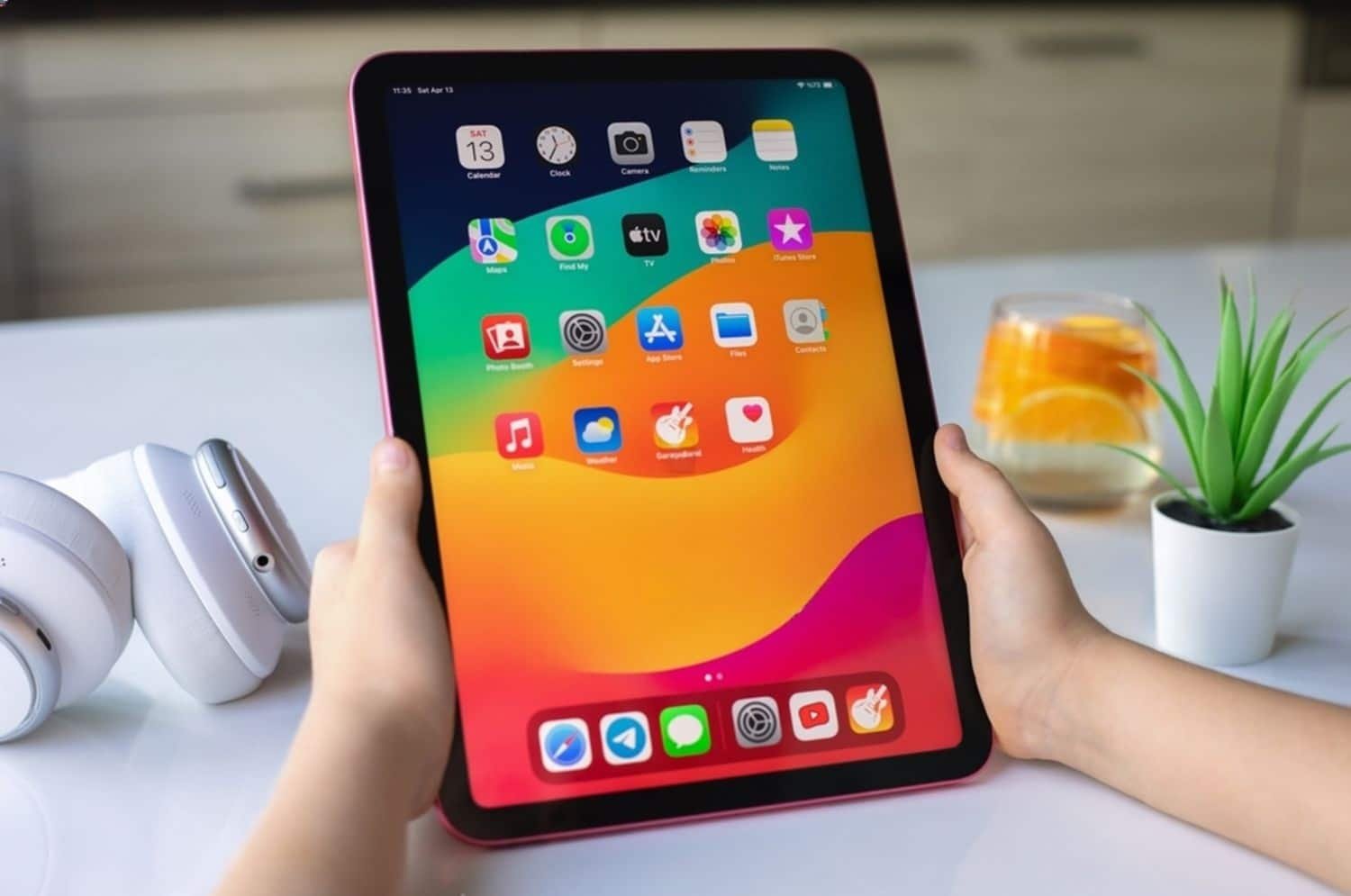
This guide explains whether you should get an iPad by clearly outlining the advantages of having an iPad, who benefits most from it, and where it fits best in daily use.
Table of Contents
What Makes the iPad Different From Other Devices
An iPad is not just a larger iPhone or a lighter laptop. Apple designed the iPad around touch-first interaction, long battery life, and a tightly controlled ecosystem that prioritizes stability and ease of use. The operating system iPadOS is optimized specifically for tablets, allowing multitasking, pen input, and keyboard support without the complexity of desktop systems.
This balance is what makes the iPad appealing to a wide range of users – from students and casual users to professionals and creatives.
What Are the Advantages of Having an iPad
Excellent Performance for Everyday and Professional Tasks
Modern iPads use Apple-designed processors that deliver strong performance across daily and advanced workloads. Tasks such as web browsing, document editing, video streaming, photo editing, and multitasking run smoothly even on base models. Higher-end iPads handle demanding work like video editing, 3D modeling, music production, and digital illustration without slowdown.
Performance remains consistent over time because Apple controls both the hardware and software. This integration reduces lag, minimizes crashes, and keeps the device responsive even after years of updates.
Long Software Support and Device Longevity
One of the strongest advantages of having an iPad is long-term software support. Apple provides iPadOS updates for many years, often far longer than competing tablets. These updates bring new features, security patches, and performance improvements, extending the useful life of the device.
This long support cycle means:
- Your iPad stays secure
- Apps remain compatible longer
- You avoid frequent upgrades
- Resale value stays higher
An iPad purchased today remains relevant well into the future.
Strong Build Quality and Display Experience
iPads are known for durable construction and high-quality displays. Even entry-level models offer sharp screens, accurate colors, and good brightness. Higher-end models add advanced display technologies that improve responsiveness and visual clarity.
The build quality contributes to:
- Long device lifespan
- Premium feel
- Better resistance to daily wear
This durability supports long-term ownership.
Portability Without Sacrificing Screen Size
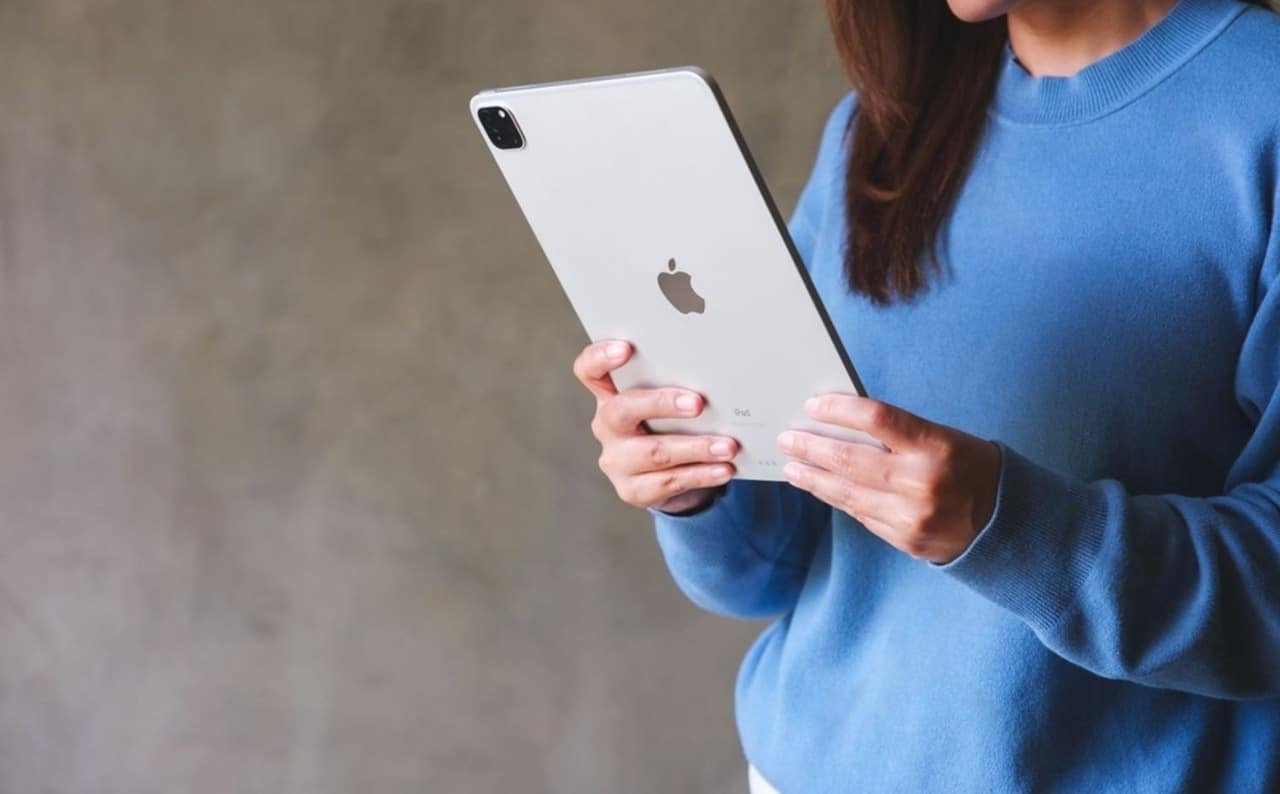
An iPad offers a large display while remaining lightweight and easy to carry. Compared to laptops, iPads are thinner, quieter, and faster to wake. Compared to phones, the larger screen improves readability, productivity, and media consumption.
This makes the iPad ideal for:
- Travel
- Commuting
- Couch or bed use
- Note-taking in meetings or classes
- Reading and research
You gain comfort and usability without the bulk of a traditional computer.
Outstanding Battery Life
Battery life is a major reason people choose an iPad. Apple optimizes power consumption at the system level, allowing most iPads to last a full day or more on a single charge. Light tasks like reading, streaming, or note-taking extend battery life even further.
Consistent battery performance makes the iPad reliable for:
- Long flights
- School days
- Remote work
- Conferences and events
You spend less time charging and more time using the device.
Simple, Stable, and User-Friendly Experience
iPadOS is designed to be intuitive. Navigation feels natural, settings are organized, and gestures are consistent. Even users with little technical experience adapt quickly. At the same time, advanced users gain access to multitasking tools, external display support, keyboard shortcuts, and file management features.
This combination of simplicity and depth allows the iPad to scale with the user’s skill level, rather than limiting it.
Strong App Ecosystem Optimized for Tablets
The App Store includes thousands of apps specifically designed or optimized for the iPad’s larger display. These apps take advantage of touch input, split-screen multitasking, drag-and-drop interactions, and Apple Pencil support.
Key app categories where the iPad excels include:
- Education and learning
- Creative design and illustration
- Video and photo editing
- Productivity and organization
- Entertainment and gaming
Apps often feel more refined on iPad compared to other tablet platforms due to Apple’s strict development standards.
Apple Pencil Support for Writing and Creativity
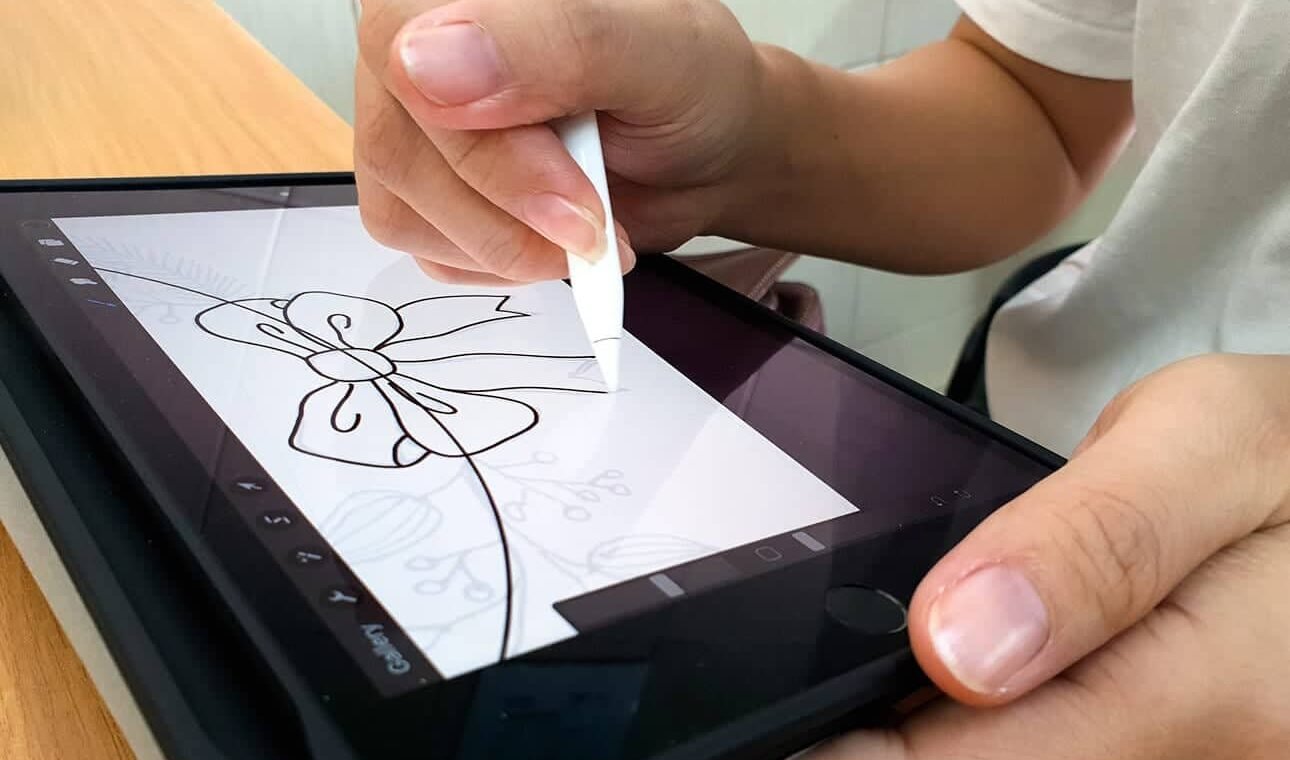
Apple Pencil transforms the iPad into a powerful writing and creative tool. The low latency, pressure sensitivity, and tilt support make handwriting and drawing feel natural. This gives the iPad a clear advantage over traditional laptops for tasks involving manual input.
Apple Pencil benefits:
- Students taking handwritten notes
- Artists and illustrators
- Designers and architects
- Annotating PDFs and documents
- Brainstorming and sketching
For many users, this feature alone justifies choosing an iPad.
Seamless Integration With the Apple Ecosystem
If you already use an iPhone or Mac, the iPad integrates seamlessly. Features like AirDrop, iCloud, Handoff, Universal Clipboard, and Sidecar allow you to move content and tasks effortlessly between devices.
This ecosystem integration improves:
- File sharing
- Workflow continuity
- Device synchronization
- Productivity across multiple screens
The iPad fits naturally into an Apple-based setup rather than acting as a separate device.
Versatility Across Use Cases
An iPad adapts to many roles depending on accessories and usage. With a keyboard, it functions as a lightweight laptop. With Apple Pencil, it becomes a notebook or drawing tablet. Without accessories, it remains a media consumption and casual browsing device.
This versatility allows one device to replace multiple others in certain scenarios, reducing clutter and cost over time.
Who Should Get an iPad
An iPad makes sense for:
- Students needing a flexible learning tool
- Professionals who value portability
- Creatives working with pen input
- Casual users who want simplicity
- Travelers needing long battery life
- Families sharing entertainment and learning
For users who primarily rely on heavy desktop software or advanced file systems, a traditional computer may still be necessary. However, many users find the iPad covers most of their daily needs.
When an iPad May Not Be the Best Choice
An iPad may not fully replace a laptop for users who:
- Rely on desktop-only applications
- Need advanced external hardware support
- Prefer mouse-driven workflows
- Perform complex file management daily
In these cases, an iPad works best as a companion device rather than a replacement.
Frequently Asked Questions
Is an iPad worth buying today?
Yes. Long software support and strong performance make iPads a solid investment.
Can an iPad replace a laptop?
For many users, yes. For specialized professional workflows, a laptop may still be required.
Is an iPad good for productivity?
Yes. Multitasking, keyboard support, and optimized apps make it productive.
Is an iPad good for entertainment?
Yes. The display, speakers, and app ecosystem excel for media consumption.
Conclusion
You should get an iPad if you want a reliable, portable, and versatile device that delivers strong performance, long battery life, and long-term software support. The advantages of having an iPad include ease of use, powerful hardware, creative flexibility, and seamless integration with the Apple ecosystem. While it does not replace every computer for every user, it fits perfectly into modern digital life and often becomes the most-used device once adopted.
For many people, an iPad is not just an extra device – it becomes the most convenient way to work, learn, create, and relax.

Ben Scott is a prominent technology journalist and reviewer, specializing in tablet devices. He is known for his comprehensive and unbiased reviews of tablets from various manufacturers.
With a deep understanding of tablet technology, including hardware components, operating systems, and software applications, Scott provides clear and informative reviews accessible to readers of all levels of technical expertise.
His attention to detail and in-depth analysis have earned him a loyal following of readers.