
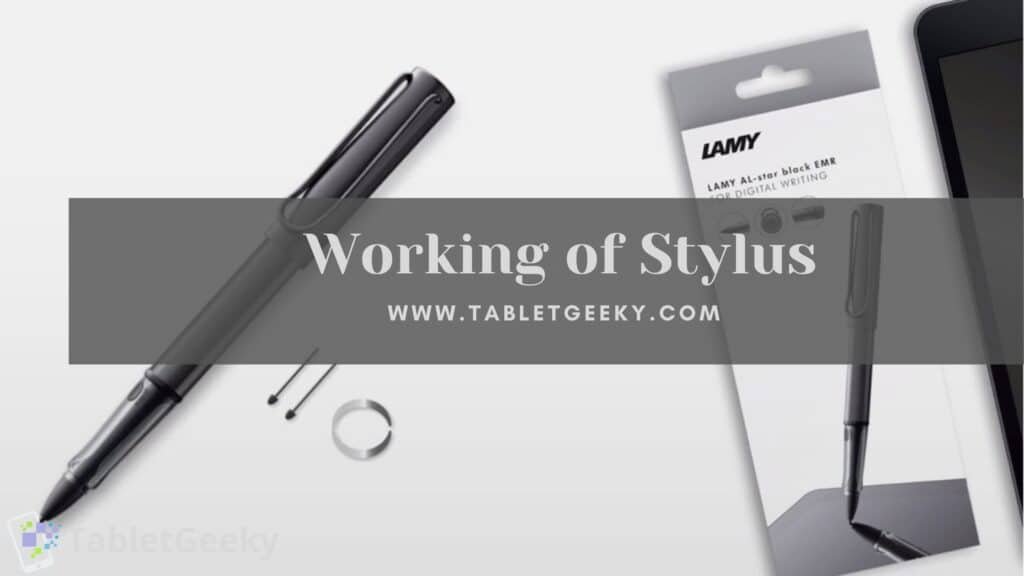
An EMR stylus works by using electromagnetic resonance technology, where the tablet generates an electromagnetic signal that powers the pen wirelessly and detects its position, pressure, and tilt with high precision. This system eliminates the need for batteries inside the pen, reduces latency, and delivers a natural writing and drawing experience. EMR technology is widely used in professional drawing tablets from Wacom, Huion, and XP-Pen, as well as in certain Chromebooks and Windows devices.
This guide explains how EMR styluses work, the science behind electromagnetic resonance, why EMR pens feel so smooth, how tablet digitizers interpret movement, and how EMR compares to AES, USI, and Apple Pencil technologies.
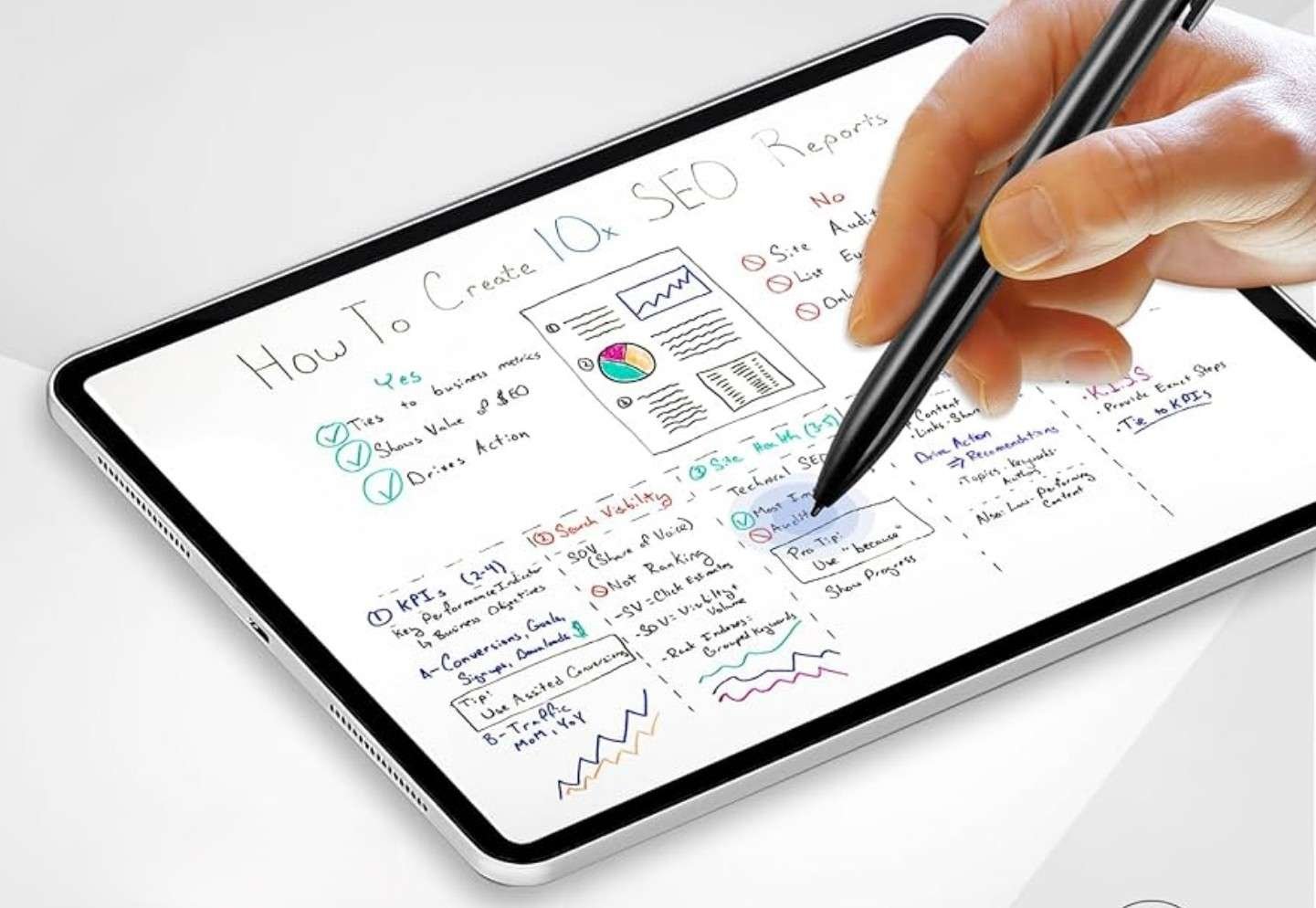
Table of Contents
What Is an EMR Stylus?
An EMR stylus (Electro-Magnetic Resonance stylus) is a pen that functions without batteries or charging. Instead of internal power, the tablet’s digitizer sends out an electromagnetic signal that “activates” the pen. The pen then interacts with the field and sends data back to the tablet in real time.
EMR pens are known for:
- Zero power requirements
- Extremely low latency
- High pressure sensitivity
- Excellent tilt accuracy
- Long-term durability
- A natural analog-like writing feel
This is why EMR remains the preferred technology for professional drawing tablets.
How EMR Stylus Technology Works
The inner workings of an EMR stylus involve electromagnetic fields, coil interactions, and precise signal feedback. Here’s a clear, professional breakdown of the process.
1. The Tablet Generates an Electromagnetic Field
Inside the display or tablet surface is a grid of wire-like coils known as the EMR digitizer. This digitizer continuously emits a low-power electromagnetic field.
When an EMR stylus comes near the surface:
- The magnetic field energizes the pen
- The pen begins resonating
- Communication between pen and tablet begins instantly
This entire process occurs without batteries.
2. The Pen Receives Power Through Resonance
Inside the EMR stylus is a small copper coil.
When the coil enters the electromagnetic field:
- It becomes energized
- The pen generates its own resonant signal
- The tablet can read the returning signal
This is why EMR pens are lightweight, never need charging, and can last for decades without maintenance.
3. The Pen Sends Data Back to the Tablet
The returning signal from the stylus contains detailed information:
- Position (X/Y coordinates)
- Pressure level (light, medium, hard strokes)
- Tilt angle
- Pen button clicks
- Hover position (cursor without touching the screen)
Each piece of data is encoded through slight electromagnetic variations, which the tablet interprets with remarkable accuracy.
4. The Tablet Interprets the Data Digitally
The tablet’s processor collects all input signals and converts them into:
- Strokes
- Lines
- Pressure curves
- Brush behavior inside drawing apps
Because EMR input is continuous and hardware-based, latency remains extremely low even on older tablets.
Why EMR Styluses Feel So Natural
Artists and note-takers frequently prefer EMR pens because they mimic real pen-and-paper feedback. Here’s why:
No Lag
Since the stylus is powered instantly and communicates directly with the digitizer grid, strokes appear almost instantly.
High Pressure Sensitivity
Most EMR pens offer 4096 or 8192 levels of pressure, allowing:
- Thick and thin strokes
- Smooth gradients
- Detailed shading
Tilt Accuracy
EMR pens detect tilt naturally, enabling realistic pencil shading and brush angles.
Battery-Free Design
Because there’s no battery, the pen:
- Is lighter
- Has better weight balance
- Never needs charging
- Never dies mid-sketch
This is a major advantage over active pens like Apple Pencil or Surface Pen.
Internal Components of an EMR Stylus
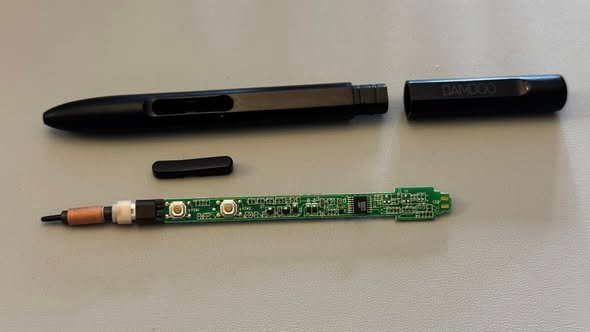
A typical EMR stylus contains:
- Copper resonance coil
- Pressure sensor
- Tip mechanism + nib
- Side buttons
- Tilt sensor
- Optional eraser module
No battery or Bluetooth module is required.
This simple internal structure makes EMR pens extremely durable.
Hover Feature: Unique to EMR Technology
EMR pens allow the cursor to follow the pen without touching the screen, usually up to 10–15 mm above the surface.
Hover enables:
- Precision selection
- Brush preview
- Right-click menus on tablet devices
- Pixel-level control in drawing apps
AES, USI, and capacitive styluses cannot match EMR hover accuracy.
Advantages of EMR Stylus Technology
- No charging or battery replacement
- Natural handwriting feel
- Industry-leading pressure sensitivity
- Excellent tilt detection
- Lightweight pen construction
- Long-term durability
- Superior hover precision
- Perfect for professional illustration and animation
Limitations of EMR Styluses
- Tablets require specialized EMR digitizers
- More expensive to manufacture
- Less common in modern mainstream tablets
- Limited cross-device compatibility (not universal like USI)
Still, for artistic applications, EMR remains one of the most accurate stylus technologies ever developed.
Which Tablets Use EMR Stylus Technology?
Several popular devices rely on EMR systems:
Wacom (Professional Graphics Tablets)
- Intuos
- Intuos Pro
- Cintiq
- Cintiq Pro
- MobileStudio Pro
Wacom EMR-based tablets from other brands
- XP-Pen Star & Deco Series
- Huion Inspiroy & Kamvas Series
Chromebooks With EMR Support
Many older Samsung Chromebooks and classroom devices use EMR pens.
Samsung Galaxy Note & Galaxy Tab (older S Pen technology)
Samsung originally used EMR in early Note and Tab devices before shifting to AES hybrid pens in newer models.
EMR remains the dominant technology in professional drawing hardware.
EMR Stylus vs Other Stylus Technologies
To understand how an EMR stylus works, it’s essential to compare it to other technologies.
EMR vs AES (Active Electrostatic Pen)
Used by: Microsoft Surface, Lenovo, HP, Dell
| Feature | EMR | AES |
|---|---|---|
| Power | Battery-free | Requires battery |
| Latency | Lower | Slightly higher |
| Accuracy | Extremely high | High |
| Cost | Higher | Cheaper |
| Weight | Lighter | Heavier |
| Hover | Yes | Limited |
AES pens are more universal but less refined for artists.
EMR vs Apple Pencil (Active Bluetooth Pen)
Used by: iPad (all models)
Apple Pencil is extremely precise but works differently:
- Contains internal battery
- Uses Bluetooth + touch sensors
- Offers superior palm rejection and tilt control
Apple Pencil often surpasses EMR in speed and app integration, but EMR wins in:
- Battery-free operation
- Pen durability
- Hover precision
EMR vs USI (Universal Stylus Initiative)
Used by: Chromebooks, Pixel tablets
USI is designed for compatibility, not artistry. EMR remains superior for professional drawing.
Frequently Asked Questions
Does an EMR stylus require power?
No. The tablet powers the stylus through electromagnetic fields.
Can EMR pens work across different brands?
Sometimes, but compatibility is not guaranteed. Each manufacturer tunes digitizers differently.
Are EMR styluses better for drawing?
Yes, most professional artists prefer EMR for accuracy, tilt control, and battery-free design.
Do EMR styluses work on iPad?
No. iPads use Apple Pencil technology (active capacitive/Bluetooth), not EMR.
Do EMR pens wear out?
Only the nib wears down, which is easily replaceable. The pen itself can last decades.
Conclusion
An EMR stylus works by using electromagnetic resonance between the pen and the tablet’s digitizer, enabling battery-free operation, high pressure sensitivity, tilt recognition, and an exceptionally natural writing experience. This technology remains the gold standard for professional drawing tablets due to its precision and long-term reliability.
Whether you are a digital artist, illustrator, designer, or student learning to draw, understanding how EMR technology works helps you choose the right pen and tablet for your creative workflow.
Here you can see the list of best tablets with stylus.

Howdy Geeks, I'm Andrew, a young passionate blogger, Tech Freak & a Gadget Lover. I help people in buying them the best tablet devices