

Finding the best tablet for UI/UX design is essential for designers who want speed, precision, and portability in their creative workflow. Tablets have become vital tools for creating wireframes, prototypes, and digital interfaces. The ideal device should deliver accurate stylus input, high-resolution display quality, powerful hardware, and compatibility with design software like Figma, Adobe XD, and Sketch.
This guide explains exactly how to choose the best tablet for UI/UX design based on performance, display, stylus precision, and platform compatibility.
Table of Contents
Why Tablets Are Essential for UI/UX Designers
UI/UX designers depend on digital flexibility, and tablets provide an environment that combines drawing freedom with computing power. Unlike traditional laptops, tablets allow direct screen interaction – sketching, designing, and editing with precision.
Choosing the best tablet for UI/UX design streamlines the workflow for creating prototypes, responsive layouts, and interactive design elements. Tablets are perfect for designers who need real-time collaboration, portability, and natural pen input while maintaining desktop-level performance.
Key Factors to Consider When Choosing the Best Tablet for UI/UX Design
When evaluating the best tablet for UI/UX design, focus on five main aspects: display quality, stylus accuracy, processing power, software ecosystem, and portability. Each directly impacts how effectively designers can create professional-grade work.
1. Display Quality and Resolution
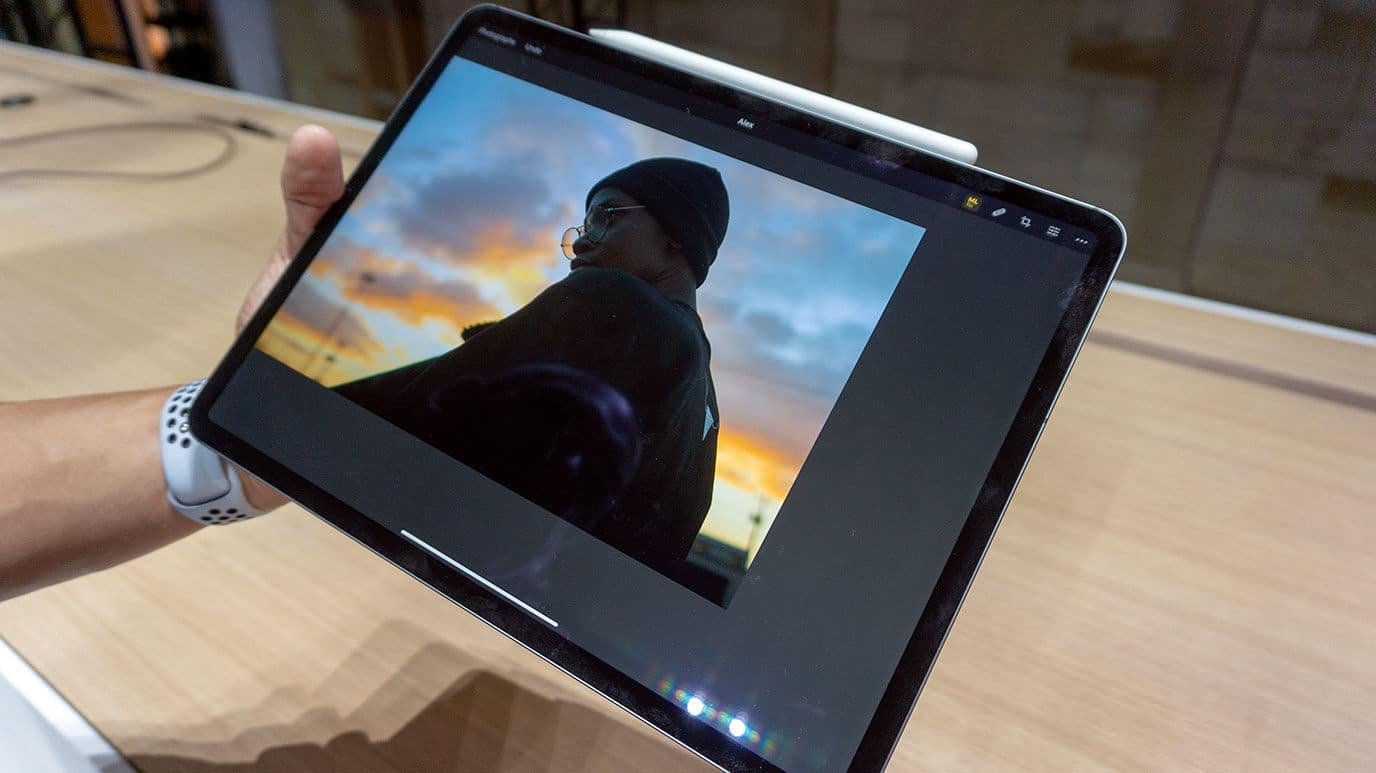
A tablet’s display determines how accurately colors, shadows, and details appear in your designs. UI/UX design demands precision in color and pixel density to ensure consistency across devices.
Choose a tablet with:
- High resolution (minimum 2560×1600 or higher).
- Wide color gamut (P3 or Adobe RGB) for accurate color rendering.
- Brightness above 400 nits for outdoor or studio work.
Tablets like the iPad Pro, Samsung Galaxy Tab S9, and Microsoft Surface Pro 9 offer professional-grade display calibration, making them top contenders for UI/UX projects.
2. Stylus Sensitivity and Accuracy
A stylus is a designer’s main creative tool. The best tablet for UI/UX design must provide a responsive, pressure-sensitive stylus that mirrors natural hand movement.
Look for:
- Low latency (less than 10ms) for real-time input response.
- Tilt and pressure sensitivity for precise sketching and detail work.
- Palm rejection technology to prevent accidental touches.
The Apple Pencil (2nd Gen), Samsung S Pen, and Microsoft Surface Slim Pen 2 all offer professional precision and seamless integration with their respective tablets.
3. Processor Performance and RAM
UI/UX tools like Figma, Adobe XD, and Affinity Designer demand high processing power for smooth multitasking. Choose a tablet with a powerful processor and sufficient memory to handle complex design files.
Recommended specs include:
- Processor: Apple M2, Qualcomm Snapdragon 8 Gen 2, or Intel Core i5/i7.
- RAM: Minimum 8GB for multitasking; 16GB preferred for heavy design projects.
The iPad Pro (M4) currently leads in performance, offering desktop-level speed for heavy design workflows while maintaining portability.
4. Operating System and Software Compatibility
Designers often base their decision on ecosystem preferences- iPadOS, Android, or Windows.
- iPadOS: Ideal for professional design due to apps like Procreate, Figma Mirror, Adobe XD, and Affinity Designer.
- Android: Great flexibility and value, with tools like Infinite Design, Sketchbook, and Figma support through browsers.
- Windows: Best for running full desktop applications like Adobe XD, Figma, and Photoshop simultaneously.
If you primarily use desktop-grade design software, Windows-based tablets like the Surface Pro 9 or Dell Latitude 7320 Detachable are better options.
5. Screen Size and Portability
UI/UX designers balance workspace and portability. Larger screens enhance workflow precision, while smaller ones improve mobility.
For optimal experience:
- 12.9-inch to 14-inch displays are ideal for wireframing and detailed work.
- 10-inch tablets work best for sketching or quick client presentations.
The iPad Pro 12.9-inch remains the most popular option for designers needing both mobility and workspace efficiency.
6. Battery Life and Connectivity
Designers frequently work remotely or on the move, so battery endurance matters. The best tablet for UI/UX design should last a full workday without charging interruptions.
- Look for at least 10 hours of active battery life.
- Ensure USB-C or Thunderbolt support for connecting external monitors and peripherals.
- Consider tablets with 5G or Wi-Fi 6E for remote collaboration on platforms like Figma or Miro.
Long battery life ensures uninterrupted design sessions even during travel.
7. Storage Capacity and Cloud Access
UI/UX design files can become large due to assets, prototypes, and export formats. Choose storage based on workflow needs.
- 128GB is suitable for basic projects.
- 512GB or 1TB benefits professionals handling multiple large design files.
Ensure easy integration with cloud storage platforms like Google Drive, Dropbox, or iCloud for team-based collaboration and backup.
Top Features the Best Tablet for UI/UX Design Should Have
| Feature | Description | Why It Matters |
|---|---|---|
| High Refresh Rate (120Hz) | Ensures smooth scrolling and drawing | Improves accuracy during sketching |
| True Tone / Adaptive Color | Adjusts color temperature automatically | Keeps visual consistency in different lighting |
| Detachable Keyboard Support | Converts tablet into workstation | Enhances productivity for prototyping |
| Multi-Window Support | Runs multiple apps simultaneously | Ideal for multitasking design tools |
| Pen Shortcut Customization | Assigns commands to pen buttons | Saves time during frequent actions |
Each of these features collectively defines the functionality of the best tablet for UI/UX design and streamlines digital creativity.
Best Operating System for UI/UX Design Tablets
iPadOS
Perfect for designers who prefer precision apps and a reliable ecosystem. The iPad Pro and iPad Air dominate the market due to app quality, Apple Pencil integration, and seamless Figma or XD performance.
Windows OS
Provides full desktop application access. The Microsoft Surface Pro 9 is ideal for designers working across Adobe XD, Photoshop, and Illustrator in one workflow.
Android OS
Excellent for affordability and flexibility. The Samsung Galaxy Tab S9 Ultra offers premium features like AMOLED display and S Pen responsiveness, suitable for professional-level UI/UX tasks.
Recommended Tablets for UI/UX Designers in 2026
Apple iPad Pro (M4)
- Why: Industry-leading display accuracy, Apple Pencil 2 compatibility, and fast M4 chip performance.
- Best For: Professionals needing top-tier speed, precision, and app support.
Samsung Galaxy Tab S9 Ultra
- Why: 14.6-inch AMOLED screen, strong color contrast, and included S Pen with low latency.
- Best For: Android designers requiring large work areas and multi-window features.
Microsoft Surface Pro 9
- Why: Full Windows functionality, Slim Pen 2 integration, and detachable keyboard design.
- Best For: Designers who prefer desktop-grade software flexibility.
Each option qualifies as the best tablet for UI/UX design depending on your workflow and software ecosystem.
Common Mistakes to Avoid When Choosing a Tablet for Design
- Ignoring stylus compatibility or lag performance.
- Choosing insufficient RAM for multitasking.
- Overlooking color accuracy in display specifications.
- Settling for low storage capacity when working with large design files.
- Buying devices without multi-app support or keyboard options.
Avoiding these errors ensures you invest in a device that performs consistently across creative applications.
Conclusion
Choosing the best tablet for UI/UX design depends on your priorities whether it’s display accuracy, stylus responsiveness, or software compatibility. For Apple users, the iPad Pro (M4) offers unmatched precision and app quality. For Windows users, the Surface Pro 9 brings full desktop power. Android designers benefit from the Galaxy Tab S9 Ultra’s balance of performance and affordability.
A good design tablet doesn’t just display creativity – it amplifies it. Investing in the right one ensures smooth workflows, stunning visuals, and professional-grade results in every project.

Ben Scott is a prominent technology journalist and reviewer, specializing in tablet devices. He is known for his comprehensive and unbiased reviews of tablets from various manufacturers.
With a deep understanding of tablet technology, including hardware components, operating systems, and software applications, Scott provides clear and informative reviews accessible to readers of all levels of technical expertise.
His attention to detail and in-depth analysis have earned him a loyal following of readers.