
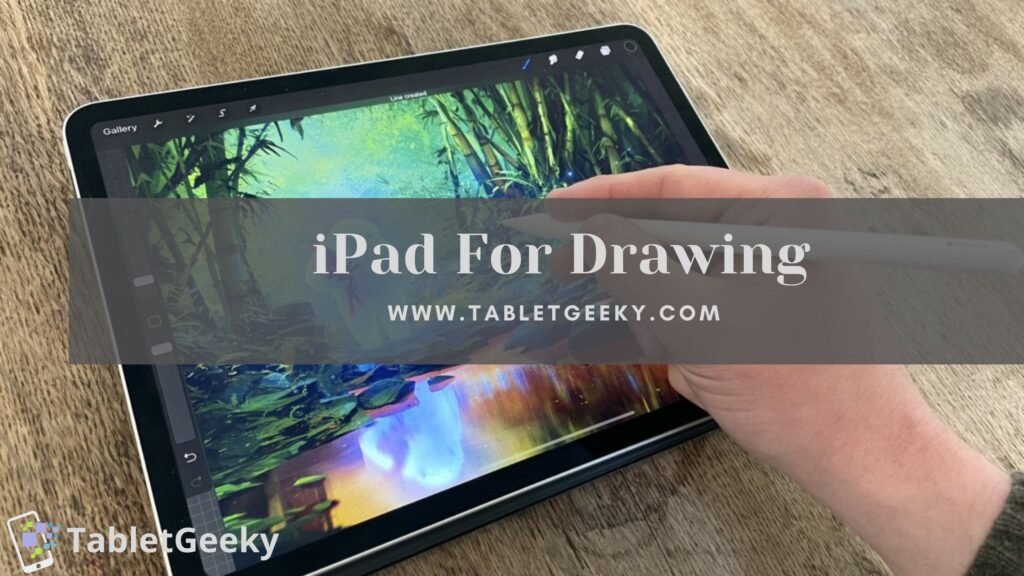
iPads are excellent devices for drawing because they combine high-resolution touchscreens, precise stylus control, and professional-grade apps. Artists, illustrators, and designers use iPads as portable digital sketchbooks that replicate the feel of pen and paper. The iPad ecosystem supports natural drawing motions, advanced pressure sensitivity, and accurate color display, making it a top choice for both beginners and professionals.
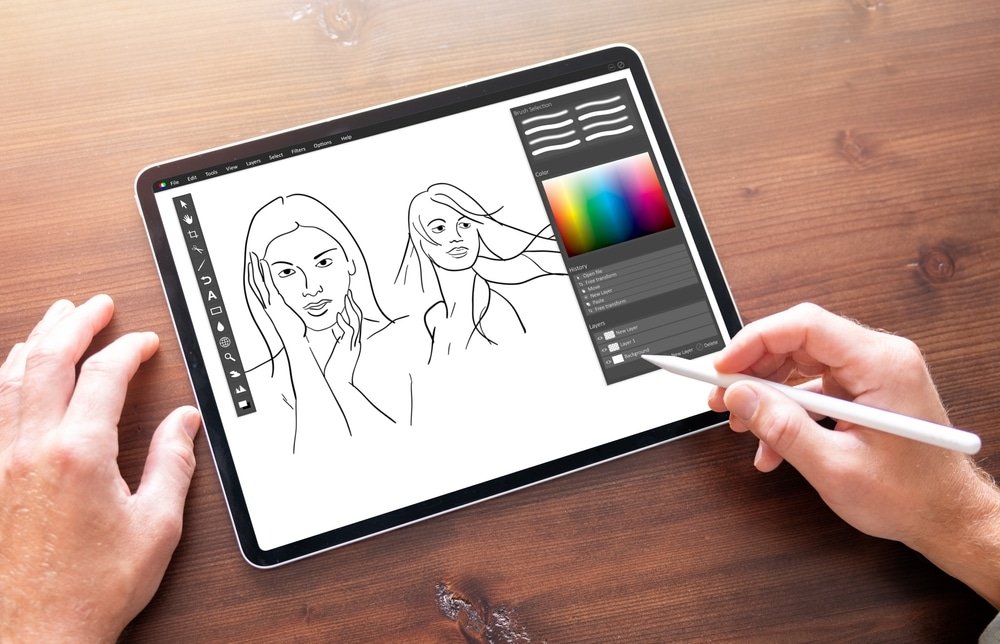
Table of Contents
Understanding Why iPads Are Ideal for Digital Drawing
The iPad display technology increases drawing precision through multi-touch recognition and true-to-life color calibration. The screen registers slight stylus movements instantly, ensuring smooth strokes without lag. The Apple Pencil elevates the experience with tilt recognition and pressure sensitivity that replicate traditional drawing tools like graphite pencils and brushes.
Professional artists prefer iPads because they integrate hardware power and creative flexibility within one device. The seamless connection between the iPad and the Apple Pencil produces detailed shading, smooth blending, and consistent line accuracy.
Types of iPads Suitable for Drawing
Different iPads serve different artistic needs. The iPad Pro offers a 120Hz ProMotion display and advanced M-series processors, making it perfect for large canvas projects and high-layer digital paintings. The iPad Air delivers balanced performance for mid-level creators who need speed and portability without premium cost. The iPad mini provides a compact canvas for sketching on the move, while the standard iPad supports casual doodling and educational art learning.
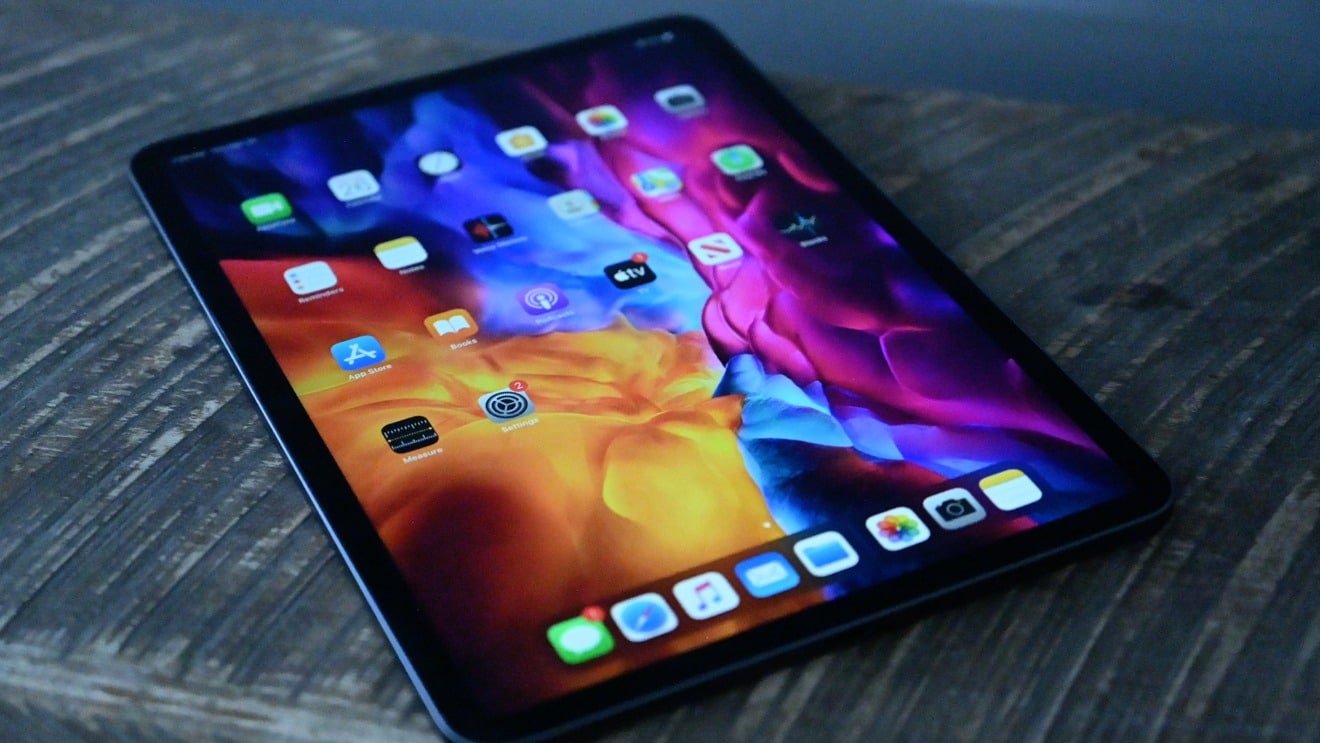
Each model supports the Apple Pencil, with varying generations that determine responsiveness and charging method. Artists often choose based on screen size, resolution, and app performance needs.
Are iPads Good for Drawing?
According to my expertise, here I am giving best reasons why iPads are good for drawing.
Display Quality and Color Accuracy
The iPad screen enhances artwork with vivid color reproduction and deep contrast. The Liquid Retina XDR display on the iPad Pro ensures HDR color precision for print and digital publishing. The high pixel density maintains sharpness even in fine details such as line art or typography.
Anti-reflective coating and wide P3 color gamut maintain visual clarity under different lighting conditions. This ensures digital drawings appear consistent whether viewed on-screen or printed.
Apple Pencil: The Core Drawing Tool
The Apple Pencil transforms the iPad into a true digital canvas. Its pressure sensitivity responds instantly to stroke intensity, allowing soft sketching and firm outlines. Tilt detection mimics brush angles for realistic shading, while palm rejection ensures comfortable hand placement during long drawing sessions.
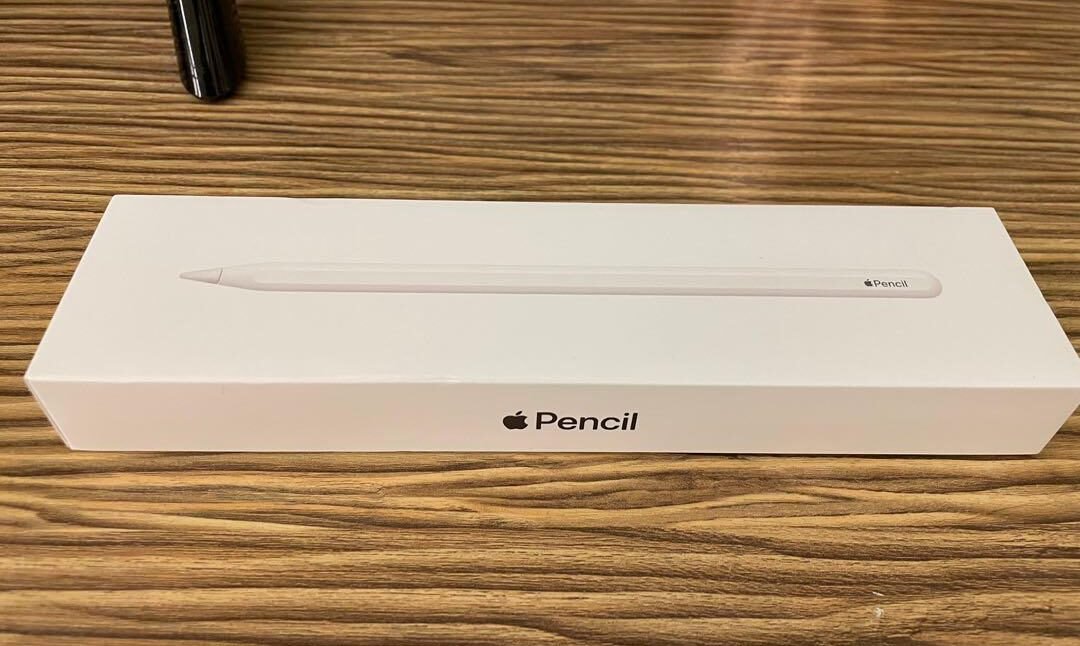
The Apple Pencil magnetically attaches and charges on compatible iPads, maintaining continuous readiness. Artists find the near-zero latency identical to drawing on paper. The Pencil integrates deeply with apps like Procreate, Adobe Fresco, and Affinity Designer, offering dynamic brushes and intuitive gesture shortcuts.
Best Drawing Apps for iPads
The Procreate app dominates iPad drawing for its responsive interface and massive brush library. It supports time-lapse recording, layer blending, and custom texture creation. Adobe Fresco focuses on realistic watercolor and oil effects that behave like physical paint. Clip Studio Paint and Affinity Designer provide professional-grade vector and raster design environments suited for illustrators and comic artists.
Each app synchronizes with iCloud and external storage for easy backup and export, ensuring that projects remain accessible across devices.
Pressure Sensitivity and Lag Performance
iPads handle complex brush strokes efficiently through optimized hardware and software integration. The system detects varying pen pressure instantly, producing smooth, lag-free lines. The 120Hz refresh rate on higher-end models ensures fluid responsiveness even in fast sketching or heavy layering.
The synchronization between Apple Pencil and display refresh cycles keeps line rendering immediate. This consistency gives artists complete control during sketching, painting, or outlining.
Comfort and Portability for Artists
iPads increase mobility for digital artists. Their lightweight build allows sketching anywhere — cafes, studios, or outdoors. The battery life exceeds typical drawing sessions, lasting up to ten hours of continuous work.
A stylus-friendly matte screen protector enhances surface friction, providing a paper-like feel. This tactile resistance benefits line control and stroke accuracy during precision work. Portability combined with comfort turns the iPad into a daily creative companion.
File Management and Compatibility
The iPad file system simplifies artwork management. Files can be exported in multiple formats such as PSD, PNG, JPEG, and PDF. Compatibility with external drives and AirDrop allows seamless transfer between devices. Artists can start sketches on iPad and finish them on Mac or Windows systems using compatible software.
iCloud storage ensures automatic backup of ongoing projects, preventing data loss. Integration with design suites like Adobe Creative Cloud supports full professional workflow continuity.
Performance Longevity and Software Support
Apple maintains long-term software updates, keeping older iPads compatible with the latest drawing apps. This extended support sustains performance and security, increasing the lifespan of artistic tools. App developers consistently optimize features for Apple Pencil accuracy and display improvements.
Regular iOS updates enhance stylus responsiveness and color management, maintaining consistent drawing quality over years of use.
Comparing iPads with Traditional Drawing Tablets
Unlike traditional drawing tablets that require a computer connection, iPads operate independently. They combine screen, stylus, and software in one device, reducing setup time. Drawing tablets like Wacom or Huion offer higher stylus customization, but they lack the iPad’s portability and integrated OS.
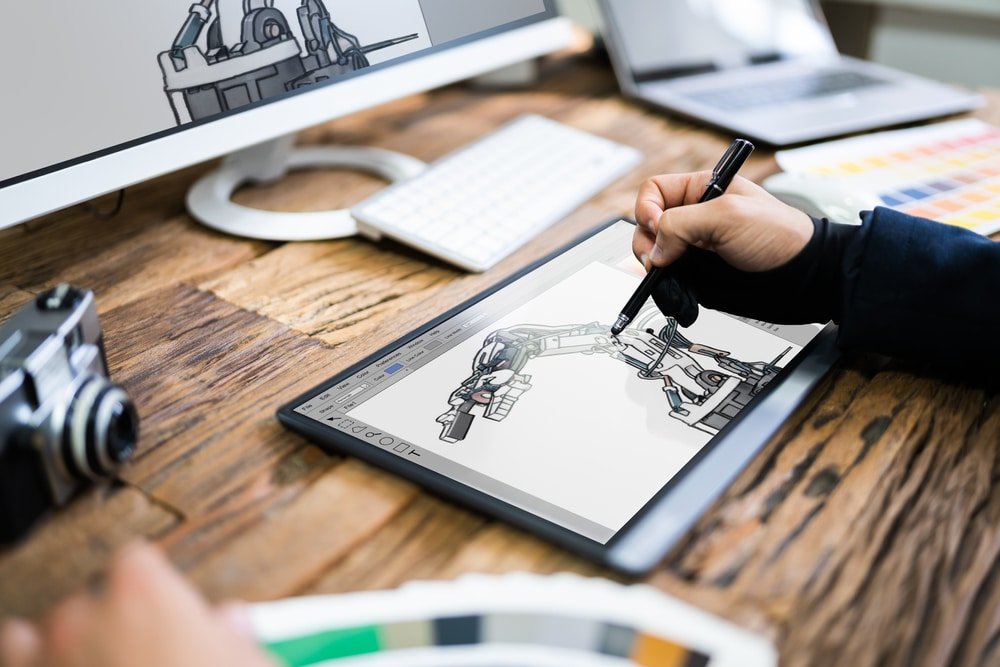
The tactile response, color accuracy, and Apple Pencil precision position iPads among the most versatile creative tools in modern digital art. Artists transitioning from paper find the experience intuitive and fast.
Common Questions About Drawing on iPads
Are iPads good for professional artists?
Yes, Many professional illustrators and designers use iPads for final artwork, concept sketches, and animations due to their accuracy and compatibility with major creative apps.
Do iPads need the Apple Pencil for drawing?
Yes. While finger drawing is possible, the Apple Pencil provides precision, pressure control, and responsiveness necessary for high-quality work.
Can beginners draw effectively on an iPad?
Yes. Beginners benefit from easy learning curves and accessibility. Apps like Procreate simplify tools for intuitive exploration without steep technical knowledge.
Does the iPad replace a drawing tablet completely?
For many artists, yes. The iPad functions as both tablet and computer, handling full-scale design and painting tasks.
Which iPad offers the best drawing experience?
The iPad Pro delivers the most professional experience due to its powerful processor, vivid display, and 120Hz refresh rate that ensures seamless drawing flow.
Final Evaluation
iPads are outstanding tools for drawing because they merge high-quality display technology, superior stylus precision, and professional software into one portable device. They deliver realistic pen behavior, natural tilt control, and excellent color accuracy, enabling both hobbyists and professionals to create detailed digital art anywhere.
For structured studio work or spontaneous sketching, the iPad provides flexibility and performance that few other devices match. It remains the benchmark for digital illustration in 2026 and beyond. After knowing iPads or good for drawing or not you must also know how to use the iPad as a drawing tablet for better understanding, is it suitable for you or not.

Ben Scott is a prominent technology journalist and reviewer, specializing in tablet devices. He is known for his comprehensive and unbiased reviews of tablets from various manufacturers.
With a deep understanding of tablet technology, including hardware components, operating systems, and software applications, Scott provides clear and informative reviews accessible to readers of all levels of technical expertise.
His attention to detail and in-depth analysis have earned him a loyal following of readers.