
Pairing an Apple Watch with an iPhone delivers the full Apple Watch experience, but pairing an Apple Watch with an iPad is not possible because iPadOS does not support Apple Watch pairing. Apple Watch remains exclusively tied to the iPhone ecosystem for activation, setup, syncing, notifications, cellular functions, and health data management.
This guide explains how pairing works, how to pair Apple Watch with an iPhone, why it cannot pair with an iPad, and the limitations, alternatives, and best practices.
Table of Contents
Can You Pair an Apple Watch With an iPad?
No, you cannot pair an Apple Watch with an iPad. iPadOS does not include the Apple Watch pairing system, the Watch app, or the frameworks needed for activation and health data syncing. Apple Watch is designed strictly for iPhone compatibility.
Even if your iPad includes cellular or eSIM support, pairing remains impossible because:
- The Apple Watch requires the Watch app, which is not available on iPadOS
- iPadOS does not support Bluetooth pairing protocols used for Apple Watch setup
- Apple Watch relies on iPhone-only apps, such as Fitness+, Health, ECG, and Wallet
- Activation, software updates, and data sync require an iPhone
Your iPad can use synced fitness data after the Watch is paired with an iPhone, but it cannot serve as the primary pairing device.
Why the Apple Watch Requires an iPhone
Apple Watch depends heavily on iOS frameworks that only exist on the iPhone. These include:
Health Data Syncing
The Health app is exclusive to the iPhone, storing heart rate, ECG, steps, sleep data, medication logging, and more.
Cellular and eSIM Activation
Apple Watch cellular models require the iPhone for plan activation and management.
App Management and Updates
The Watch app manages:
- App installation
- Software updates
- Watch faces
- Notifications
- Cellular settings
Initial Setup and Recovery
The Apple Watch cannot complete its setup or recovery without iPhone access. Because of these structural limitations, pairing to an iPad will never be supported unless Apple redesigns the ecosystem.
How to Pair an Apple Watch With an iPhone
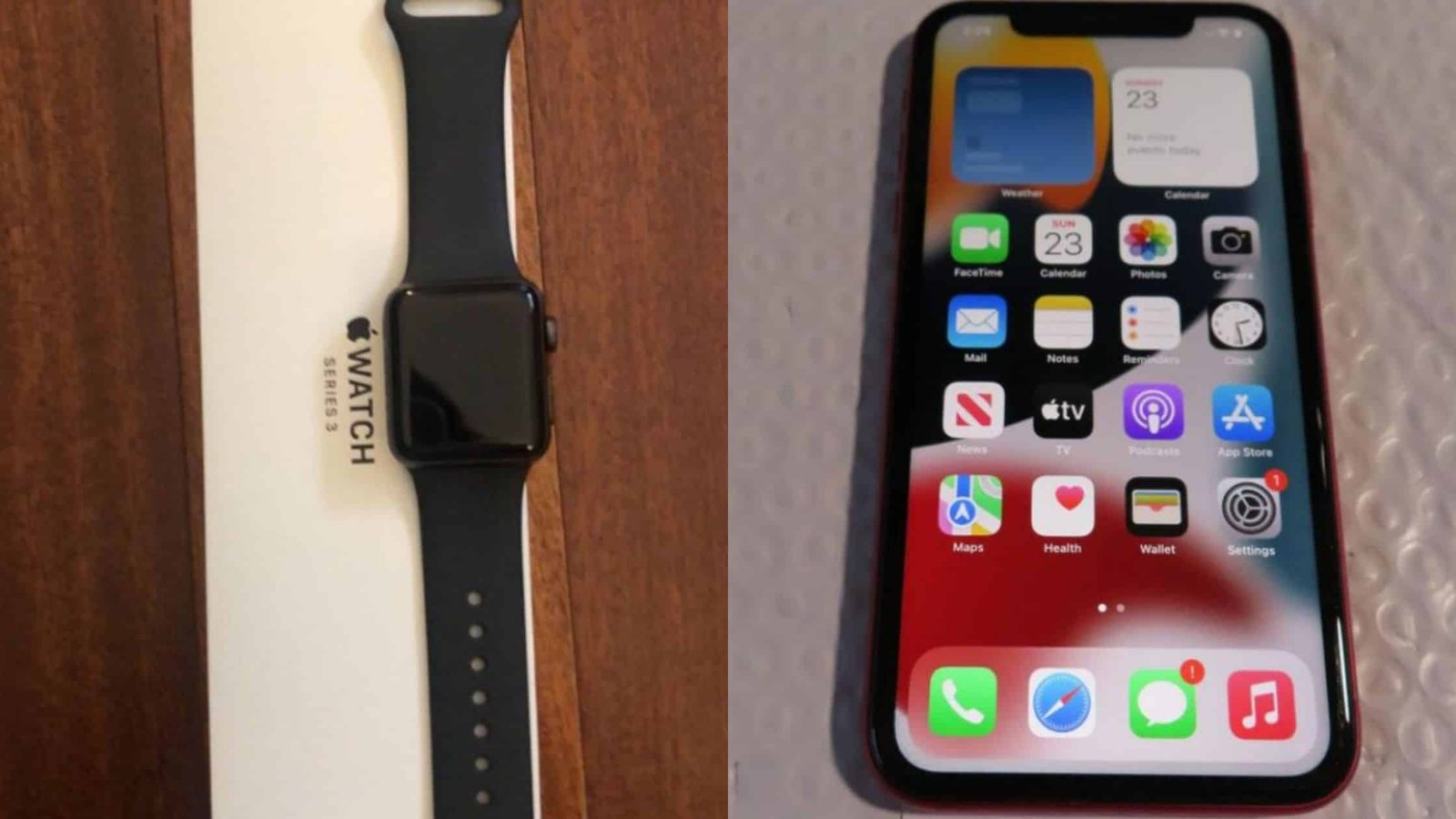
Even though iPad pairing isn’t possible, you can pair and manage your Apple Watch through the iPhone using an extremely simple setup process.
1. Prepare Your Devices
Make sure:
- Your iPhone is updated to the latest iOS version
- Bluetooth is enabled
- Wi-Fi or cellular is available
- Both devices have at least 20–30% battery
If your Apple Watch was previously paired, unpair it from the old iPhone first.
2. Turn On the Apple Watch
- Press and hold the Side button
- Wait until the Apple Watch logo appears
You’ll see a pairing animation appear on the Watch screen.
3. Open the Watch App on Your iPhone
- The Watch app is pre-installed on iPhone. If you removed it, reinstall it from the App Store.
- Tap Start Pairing to begin the process.
4. Scan the Pairing Animation
- Your iPhone will open a camera window.
- Point it at the swirling blue pairing animation on your Apple Watch.
- The iPhone automatically recognizes the Watch and connects to it.
- If scanning doesn’t work, tap Pair Manually.
5. Choose Setup Type
You can:
- Set Up as New – for new users
- Restore from Backup – for previous Apple Watch owners
Restoring brings back watch faces, apps, and settings.
6. Sign In With Your Apple ID
This connects services such as:
- Fitness+
- Apple Pay
- iCloud
- Siri
- App Store
- Health data
Signing in ensures complete functionality.
7. Set Up Key Features
During setup, you configure:
- Passcode
- Cellular eSIM (if applicable)
- Apple Pay
- Activity preferences
- App installation
- Fall detection
- Emergency SOS
- Always-On Display settings
The process takes a few minutes depending on apps and software updates.
Using Apple Watch With an iPad (Limited Compatibility)
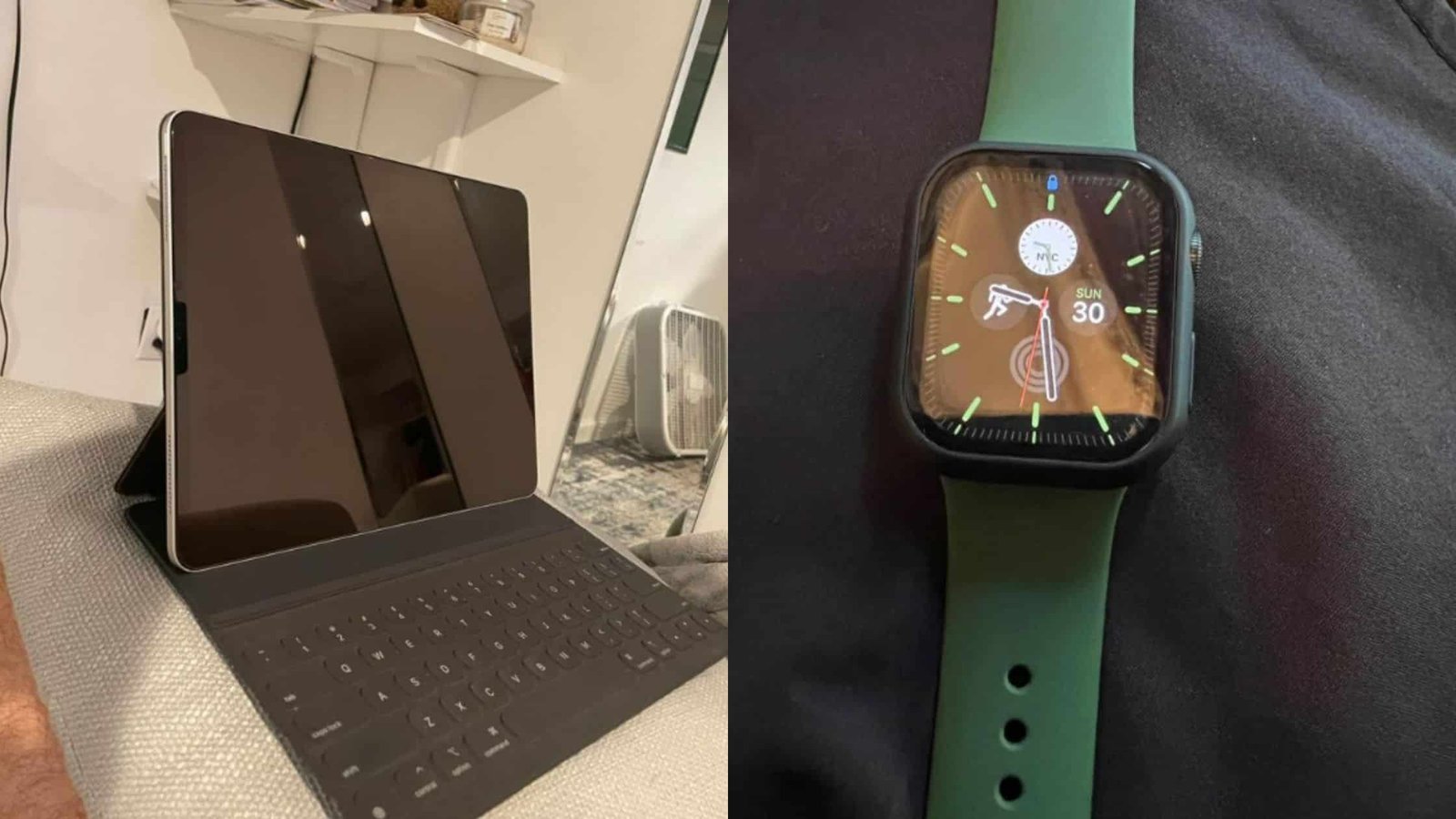
Although the iPad cannot pair with the Watch, it can still use some synced data indirectly through iCloud.
Apple Fitness+ Integration
If your iPhone and Apple Watch are paired, your workout history appears on your iPad inside the Fitness app.
App Cross-Support
Apps like Notes, Calendar, Reminders, Music, and Maps sync across devices, allowing you to interact with Apple Watch data that originated from the iPhone.
Activity Data Viewing (If Supported)
Some third-party fitness apps installed on both devices sync workout data through the cloud.
But none of these features replace pairing.
What About Pairing Multiple Apple Watches to One iPhone?
Apple supports multi-watch pairing with a single iPhone. This helps:
- Fitness enthusiasts
- Users who switch watch styles
- Professionals who use rugged and lightweight models
- People who manage family watches
You can add new watches inside the Watch app without removing the original one.
Family Setup: Apple Watch Without an iPhone
Although an iPad cannot pair an Apple Watch, Apple does offer Family Setup, which lets an iPhone user set up an Apple Watch for someone who does not own an iPhone.
Eligible users include:
- Children
- Elderly family members
- People who don’t use smartphones
The iPhone acts as the permanent management device.
This still does not allow linking a Watch to an iPad, only oversight through an iPhone.
Troubleshooting Apple Watch Pairing Issues
If pairing fails, try the following:
1. Restart Both Devices
Reboot the iPhone and Apple Watch.
2. Reset Network Settings on iPhone
Go to Settings → General → Transfer or Reset iPhone → Reset → Reset Network Settings.
3. Reset Apple Watch
On the Watch, go to Settings → General → Reset → Erase All Content and Settings.
4. Update iOS and watchOS
Software mismatches cause pairing failures.
5. Disable Airplane Mode on Both Devices
Bluetooth must remain active.
If pairing still fails, unpair and begin setup as new.
Frequently Asked Questions
Can I pair my Apple Watch with both an iPhone and an iPad?
No. It pairs with iPhone only.
Can cellular Apple Watches pair with iPads?
No. Cellular capability does not change compatibility.
Can I control my Apple Watch from my iPad?
Only indirectly through synced apps like Fitness; not through pairing.
Do I need an iPhone every day after setup?
Not always. The Apple Watch operates independently but still relies on the iPhone for updates, settings, and full functionality.
Can I pair an Apple Watch with an Android phone?
No. Apple Watch requires iOS.
Conclusion
Pairing an Apple Watch with an iPhone unlocks the full Apple ecosystem experience, while pairing an Apple Watch with an iPad remains impossible due to software and hardware limitations. The iPhone remains the central hub for setup, management, updates, and health data. Although the iPad can display some synced information, it cannot replace the iPhone’s role in the Apple Watch ecosystem.
For users planning to buy an Apple Watch, owning an iPhone is essential—no current iPad model can pair or manage an Apple Watch directly.

Ben Scott is a prominent technology journalist and reviewer, specializing in tablet devices. He is known for his comprehensive and unbiased reviews of tablets from various manufacturers.
With a deep understanding of tablet technology, including hardware components, operating systems, and software applications, Scott provides clear and informative reviews accessible to readers of all levels of technical expertise.
His attention to detail and in-depth analysis have earned him a loyal following of readers.